Quick summary: 26 club flyer templates in layered PSD format for Photoshop: nightclub, DJ, ladies night, hip-hop, retro and holiday designs, plus a checklist of what to put on a club flyer and how to size and export it. Browse everything in our club flyer templates category.
Club Flyer Templates in PSD for Every Kind of Night
A good club flyer does one job: it makes someone stop scrolling or walking and remember the date. Below you will find 26 editable club flyer templates, made by hand in Photoshop, for nightclubs, bars, DJs and promoters. Every file is layered, so you can change the headline, the lineup, the colors and the photo yourself.
Looking for something specific? Jump to nightclub flyers, DJ flyers, themed nights, free club flyer PSD files or the guide on how to design a club flyer. You can also see the full club flyer collection, the DJ flyers, electro flyers and girls party flyers.
Click an image or a title to open the template.
Nightclub Flyer Templates (PSD)
These nightclub flyer designs are built for weekly club nights, VIP evenings and themed parties. Dark backgrounds, strong contrast and big, readable headlines.

Modern Nightclub Party Flyer Design
A clean, fully editable PSD built for club nights, DJ events and themed parties. Swap the headline, date and lineup in minutes.
View template
Night Club Flyer Design PSD
A striking black and yellow design with strong contrast that stays readable from a distance. Layered PSD in 4×6 in.
View template
Nightclub PSD Flyer Template
An editable nightclub flyer to promote your club nights. The layered files are available instantly after purchase.
View template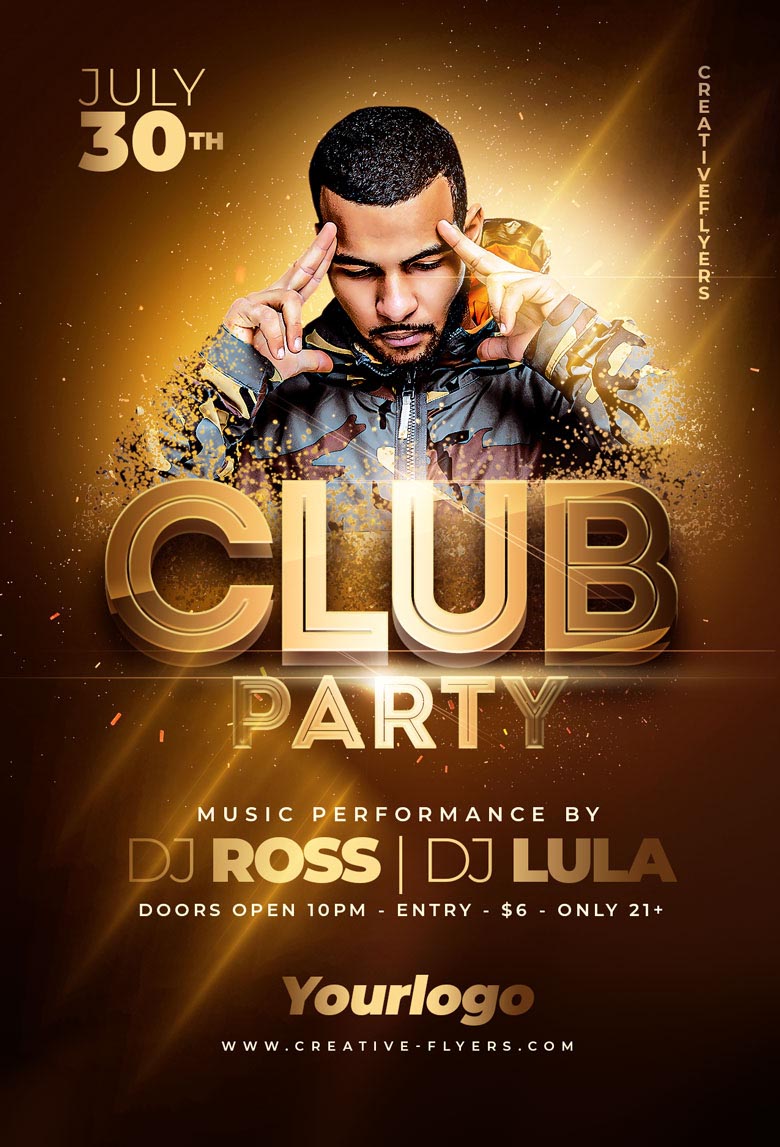
Golden Club Party Flyer Template
A premium gold club flyer with 3D effects and dramatic light, ideal for upscale events and bottle-service nights.
View template
Neon Party Night Club Flyer
A layered PSD made for DJ nights, with glowing neon colors that stand out on a screen and on paper.
View template
Black Party Flyer for Night Clubs
Neon pink effects and bold typography on a dark background, made for black-themed nights.
View templateDJ and Electro Club Flyer Templates
Promoting a DJ set, a guest headliner or an electro night? These DJ flyer templates put the name and the date front and center.
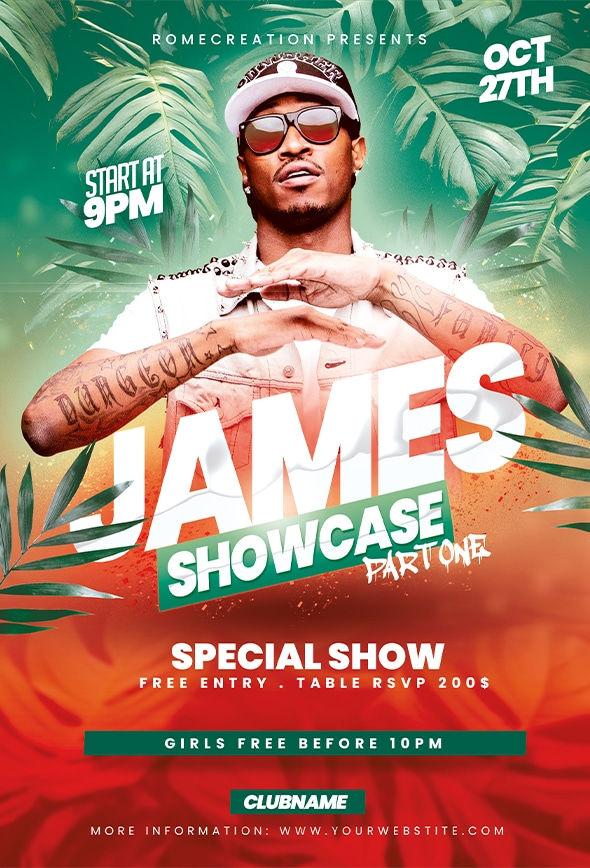
DJ Party PSD Flyer
Warm colors, palm leaf overlays and text effects for a DJ or singer presentation.
View template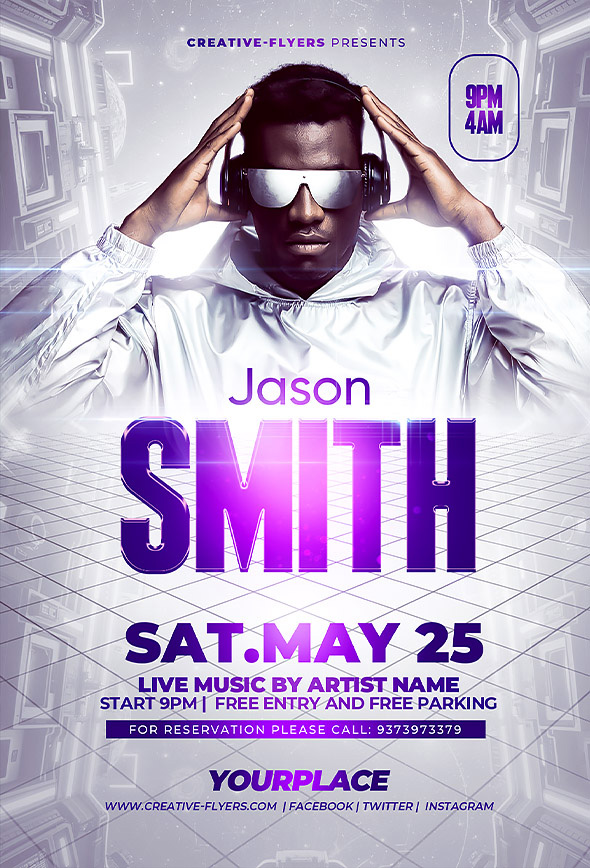
DJ Party Flyer PSD Template
A futuristic DJ event flyer with neon typography and a metallic background for a high-energy look.
View template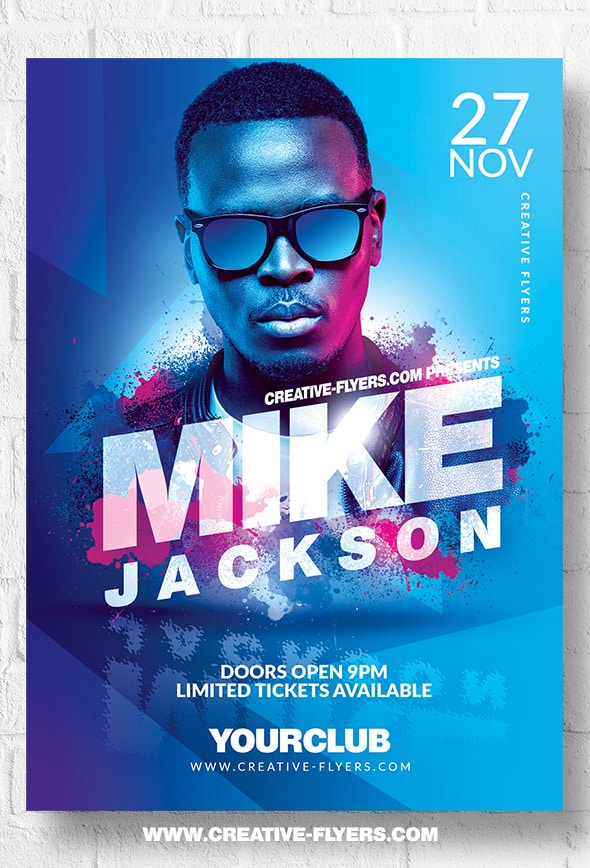
DJ Flyer PSD Template
A printable, customizable DJ flyer template for your next evening.
View template
Electro Club Night Design
Glowing neon colors and a sci-fi look for electro nights and after-work parties.
View template
Bright Music Festival Poster
A vibrant design with bold visuals and clear typography, so the event details stay easy to read.
View templateLadies Night, Hip-Hop, R&B and Themed Club Nights
A weekly theme gives your regulars a reason to come back. Pick a flyer that matches the night: ladies night, hip-hop, R&B, white party or Friday party.

Ladies Night Flyer Template in Black
An elegant, minimalist black and gold design with glittering gold touches.
View template
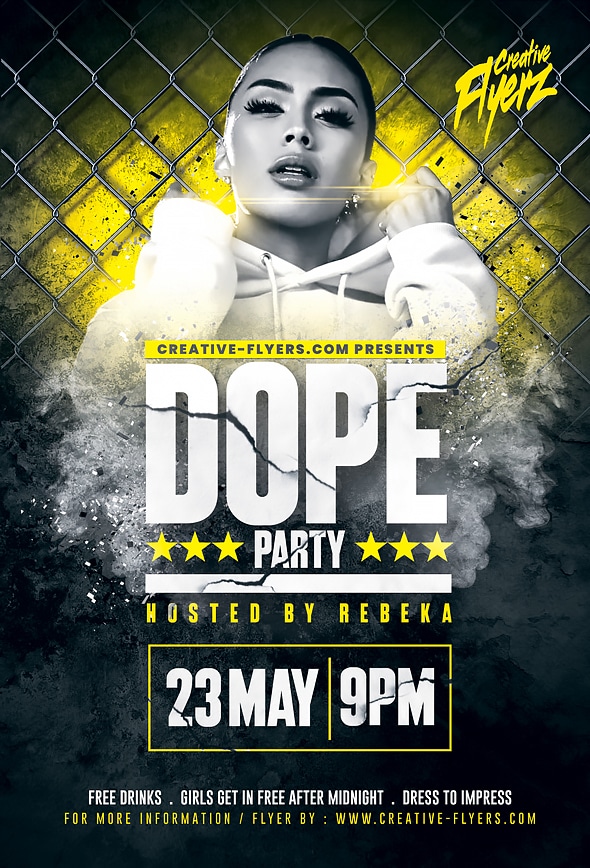
Hip Hop Party Flyer Design
A bold design for club nights, hip-hop parties, private parties and music concerts.
View template
RnB Party Flyer Design
A smooth, fully customizable RnB party template to set the mood before people walk in.
View template
White Party Flyer PSD
A clean, sophisticated design for promoting upscale white-theme parties.
View template
Big Friday Party Flyer PSD
Promote your bar or club on Friday night. 6×8.4 in, print-ready at 300 DPI, with layered files.
View templateRetro, Disco and Throwback Party Flyers
Throwback nights sell out when the flyer looks the part. These retro club flyer templates bring bright colors, period fonts and a disco glow.

Retro 80s Party Flyer Template
A Photoshop flyer for retro-years parties, with throwback colors and a fully editable layout.
View template
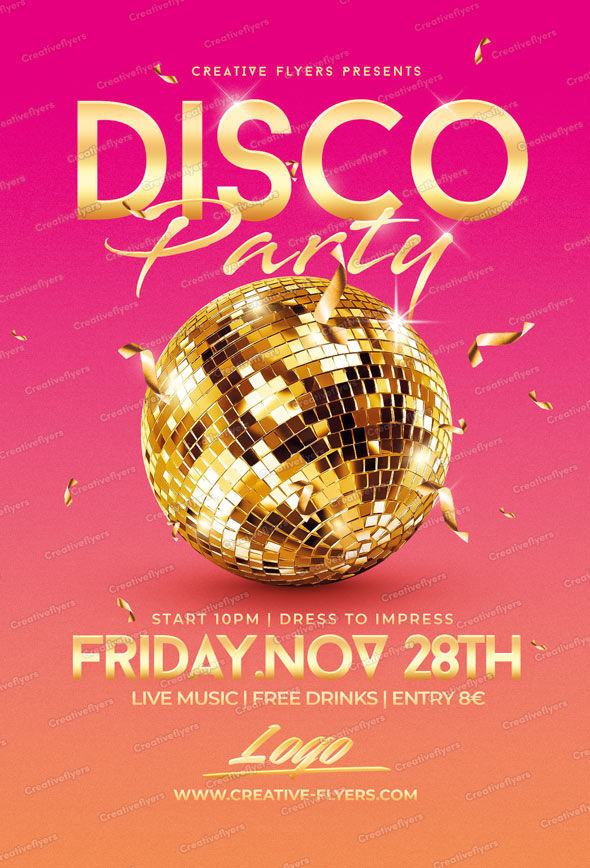
Golden Disco Party Night Flyer
A gold disco ball over a pink and orange gradient, made for disco and dance nights.
View templateClub Birthday, Grand Opening and Holiday Flyers
Birthdays, openings and holiday parties fill a club calendar. Use these templates for the big dates, then browse our birthday party flyers, New Year party flyers and Halloween flyers for more.

Club Birthday Flyer Template
A creative flyer to promote your club party, editable in Adobe Photoshop (basic skills required).
View template
Great Birthday Party Flyer
A quality design to announce a birthday in your club, bar or private venue.
View template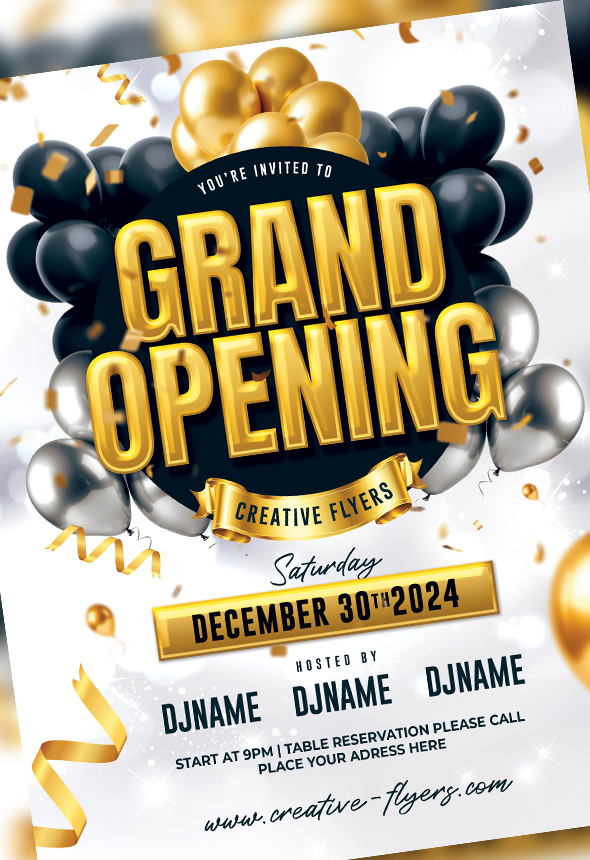
Grand Opening Poster Template
A celebratory opening poster with gold and silver confetti and ribbons. Fully editable and ready to print.
View template
Free Club Flyer PSD Templates
Want to test a template first? Start with a free club flyer PSD, then browse all our free flyer templates.

Free Edgy Urban Party Flyer Design
A free, modern PSD nightclub party flyer you can customize for your own event.
View template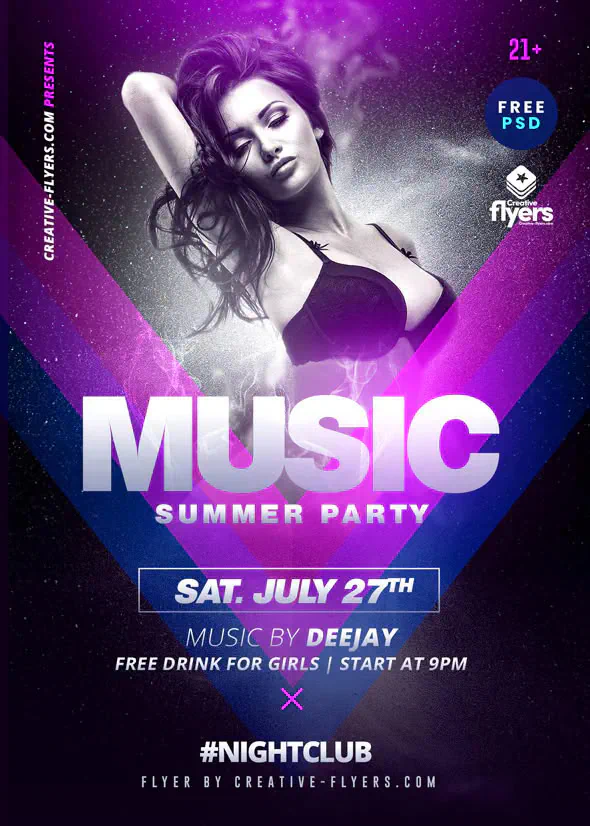
Free Electro Summer Party PSD
A free flyer with vivid neon gradients, fully customizable in Photoshop.
View templateWhat to Put on a Club Flyer
People give a flyer about three seconds. Put the essentials where the eye lands first, and keep everything else small:
- Event name or headline: the biggest text on the page, readable from a few feet away.
- Date and time: including doors open and any early-entry window.
- Venue and address: add the city or neighborhood if the club name is not well known.
- Music and lineup: the genre, the DJ names and any special guest.
- Entry details: ticket price, guest list, free entry before a set time or a drink offer.
- Rules and dress code: age limit, dress code, table or bottle-service contact.
- Social handles and a QR code: a link to tickets or to your Instagram page.
How to Design a Club Flyer in Photoshop
- Start from a layered PSD template. Open the file and check the document size and the 300 DPI resolution before you change anything.
- Replace the photo. Double-click the smart object or the image layer and drop in your own DJ, crowd or venue picture. Keep one strong focal point.
- Edit the text layers. Type your event name, date, lineup and address. Keep the headline short.
- Match the colors to the night. Neon and gradients suit electro and DJ nights, gold and black suit VIP events, warm tones suit Latin and retro parties.
- Check contrast. Light text on a dark background, or the opposite. If the background is busy, use no more than two text colors.
- Add your logo and handles. Place them at the bottom, small but clear.
- Export twice. A JPG or PNG for Instagram and Facebook, and a print PDF at 300 DPI for printing.
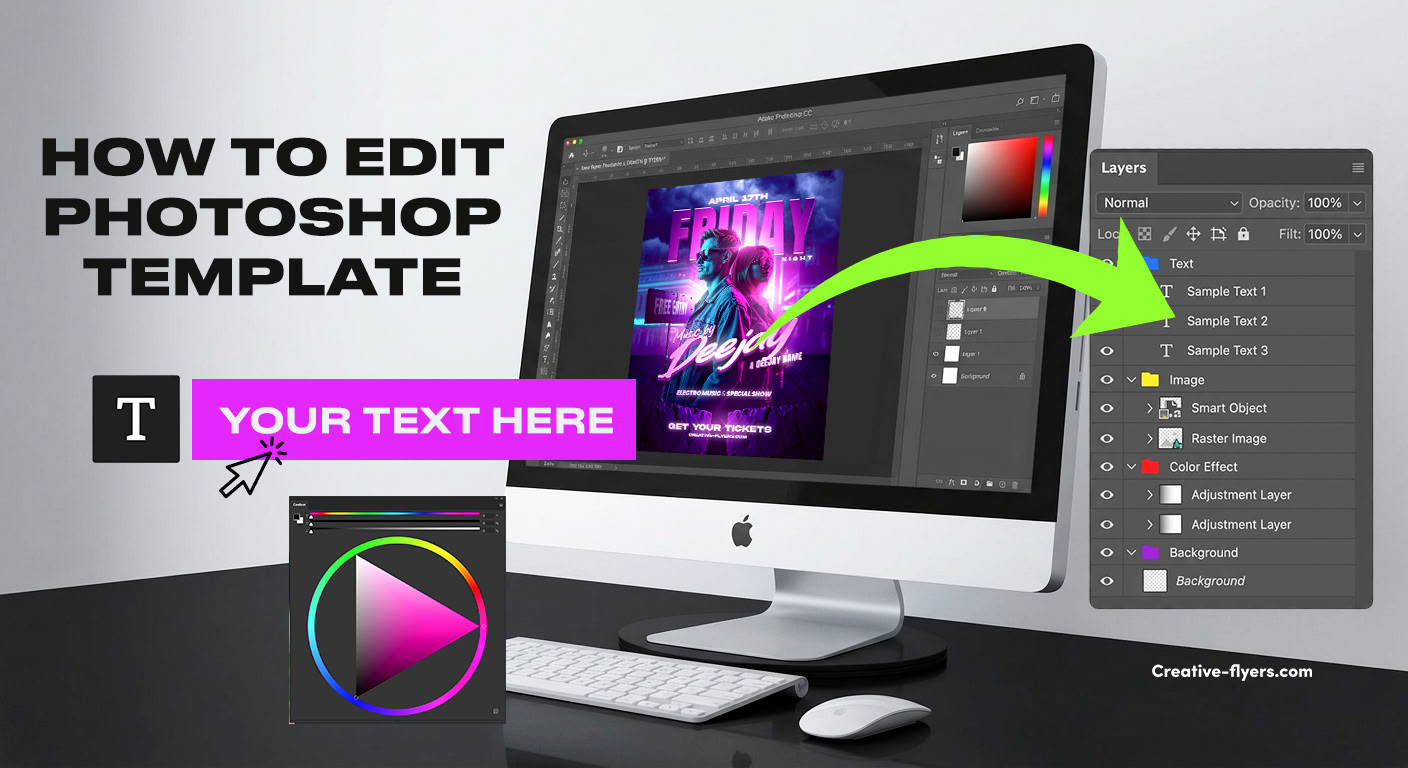
New to PSD files? Read our guide on how to edit a PSD flyer template. No Photoshop? You can change text, fonts, colors and photos in your browser with Creative Studio.
Club Flyer Size and Print Settings
- Handout flyer: 4×6 in is the most common size for a club flyer, easy to pocket. Many of our templates come in 4×6 in, others in 6×8.4 in. The size is shown on each product page.
- Larger flyer or small poster: 5.5×8.5 in or 8.5×11 in for bars, shops and campus boards. Use 11×17 in for wall posters.
- Instagram feed: 1080×1350 px (4:5). Stories and Reels covers: 1080×1920 px (9:16).
- Print quality: work at 300 DPI, and ask your printer whether they need a 0.125 in bleed and CMYK colors.
Club Flyer Ideas That Fill the Room
- Give each night its own look. A recognizable ladies night, Friday or Sunday flyer builds a habit. Use the same layout and change the colors and the guest.
- One bold image. A DJ, a crowd shot or a glowing object. Fewer elements, stronger result.
- Big, simple typography. The date and the event name must be readable at arm’s length and on a phone.
- Add a reason to keep the flyer. Free entry before midnight, a free drink or a guest-list code.
- Use the calendar. New Year, Valentine’s Day, Halloween, Labor Day and birthdays are the nights with the most competition, so promote them early.
- Pair print and social. Hand out the flyer and post the same design as a story with a link to tickets.
Where to Share Your Club Flyer
Post it on Instagram and Facebook a week before, then again two days before. Send it to your DJs and guest artists so they share it with their own followers. Hand out printed flyers near venues, universities and places where your crowd already goes. Add the flyer to your event page and to your Google Business profile.
Club Flyer Templates FAQ
What is a club flyer?
A club flyer is a printed or digital announcement for a night at a club, bar or venue. It shows the event name, date, location, music or lineup and how to get in.
What size is a club flyer?
The most common size is 4×6 in for handouts. 5.5×8.5 in and 8.5×11 in work for bigger flyers, and 1080×1350 px works for Instagram. See the size section above for print settings.
Where can I get a free club flyer PSD?
You can download free club flyer PSD files from our free flyer templates page, including the free templates listed above.
How do I edit a club flyer template in Photoshop?
Open the PSD file, replace the image in the smart object or image layer, edit the text layers, adjust the colors and export your file. Our step-by-step guide shows each step.
Can I edit a club flyer without Photoshop?
Yes. Creative Studio is our online editor: you can change the text, fonts, colors and photos in your browser and export your flyer.
Can I use these templates to promote my own events?
Yes. The license covers personal and commercial use: prints, social media, local advertising and paid digital ads. Each license covers one commercial project or one client, and the editable PSD file cannot be resold or shared. Free templates may be used commercially with a credit link to Creative-Flyers.com. Read the full license terms, and the FAQ for other questions.
Find More Club Flyer Designs
Browse the full club flyer templates collection, the vintage and retro flyers and the happy hour flyers. New designs are added regularly.