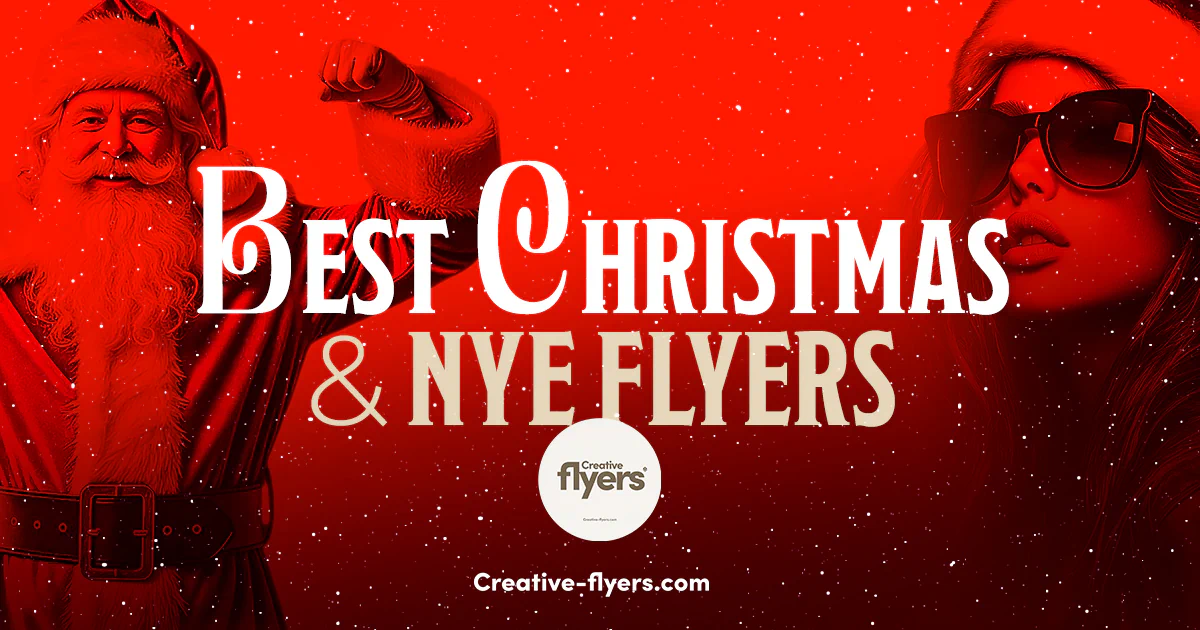
Quick summary: The best Christmas and New Year’s Eve flyers have a clear headline and date, one strong theme (red and green or gold for Christmas, black and gold or silver for New Year’s Eve), and a layout you can edit in minutes. Below are 12 editable PSD templates for holiday parties, nightclub events and invitations, all ready to customize in Photoshop. Browse the full Christmas flyer templates and New Year’s Eve flyer templates.
What Makes a Great Christmas or New Year’s Eve Flyer?
Holiday weekends are crowded: your flyer has a few seconds to stand out. These five points make the difference:
- A clear headline and date. “Christmas Party” or “NYE 2026” should be readable at a glance, even on a phone.
- One theme and a short color palette. Red, green and gold say Christmas; black, gold and silver say New Year’s Eve.
- One strong focal image, such as a model, a disco ball or a festive detail, rather than many small elements.
- The practical details in plain sight: time, venue, tickets or RSVP, dress code.
- The right format: a feed post (1080 x 1350 px) or a story (1080 x 1920 px) for social media, and a print version for posters. See our guide to resizing a flyer for Instagram.
6 Christmas Flyer Templates for Parties and Events
From elegant dinner invitations to high-energy club nights, here are six Christmas designs. Click an image or a title to open the template.
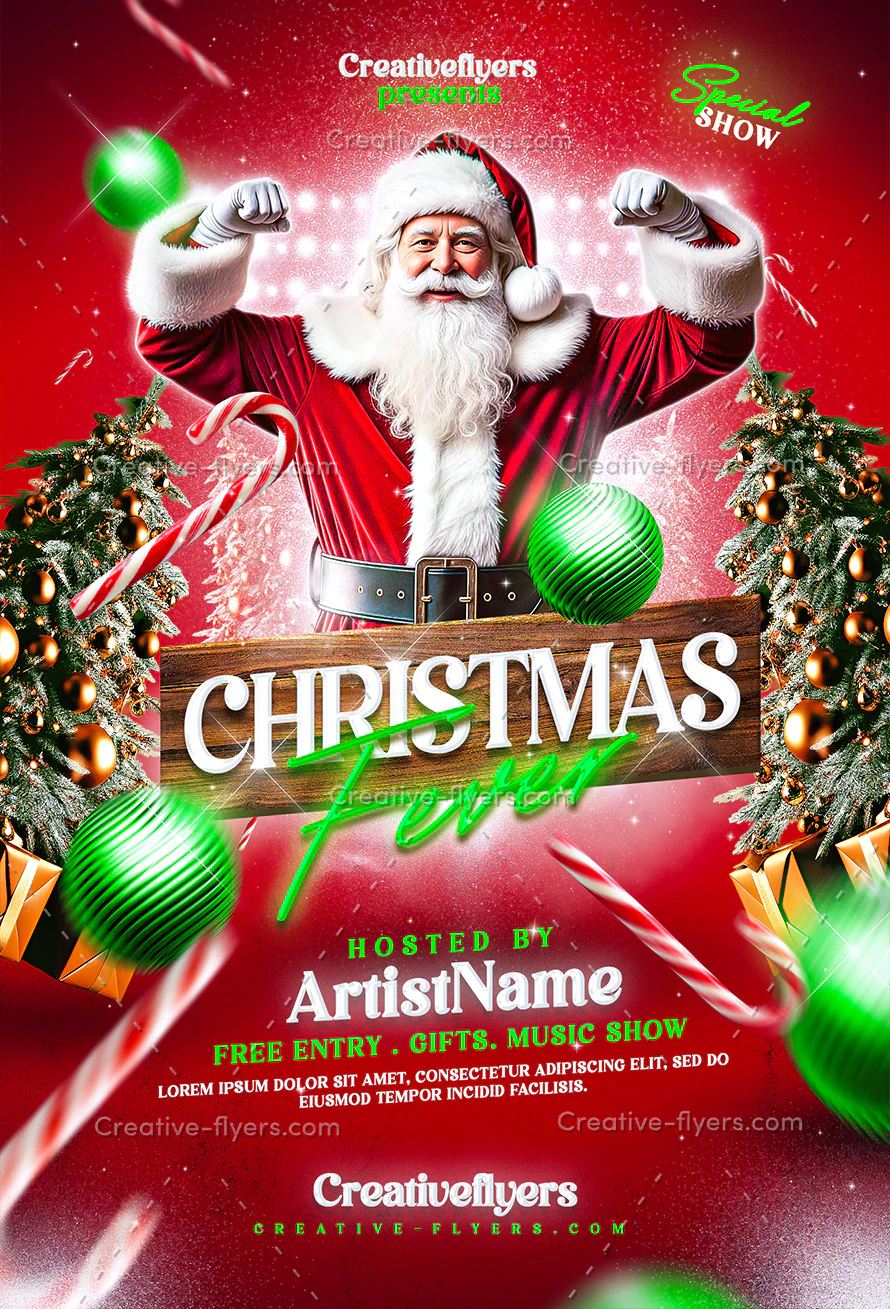
Festive Holiday Party Poster
A vibrant Santa-inspired design with glowing lights, playful decorations and bold color. Made to promote Christmas events and club parties.
View template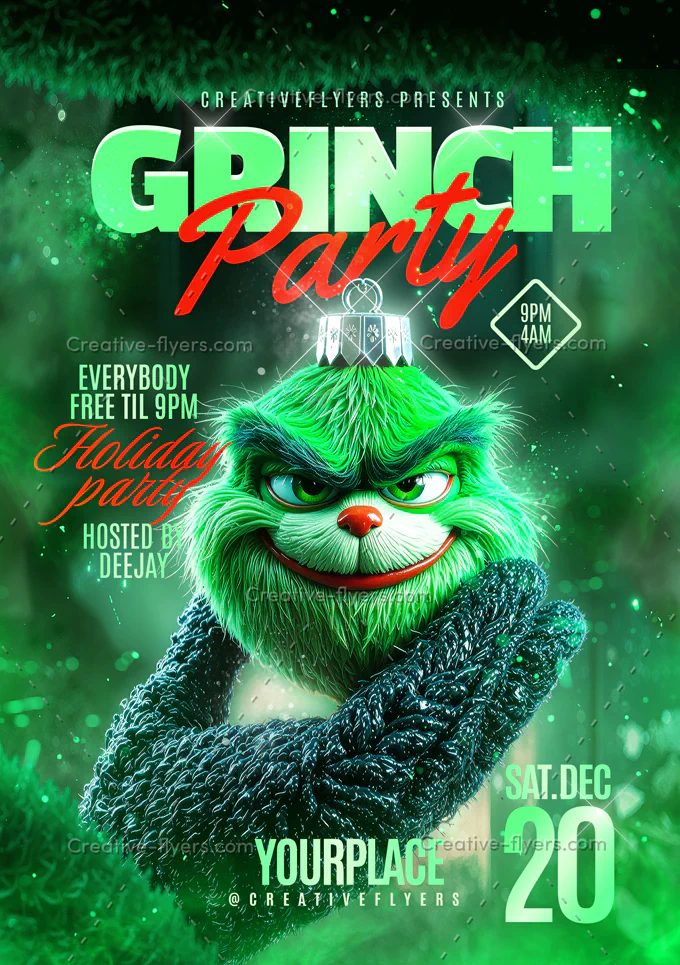
Grinch Party Flyer Design
A punchy Grinch-themed layout with vibrant green colors, realistic textures and a stylized central character that grabs attention instantly.
View template
Classy Christmas Flyer PSD
An elegant gold color scheme with stars, ribbons and gold effects. Three color variations are included. A6 size (4×6 in).
View template
Holiday Nightclub Flyer
A seductive red and gold nightclub flyer with a Santa-inspired model and bold “SLEIGH all night” typography.
View template
Red Christmas Party
A modern nightclub Christmas poster: a woman in a Santa hat and large black sunglasses on a dark gradient, with text and image in balance.
View template
Elegant Flyer for Christmas Event
A dark background framed with gold and silver pine branches, baubles and leaves, with an elegant “Merry Christmas” cursive title.
View templateYou will find more in our complete Christmas flyer collection.
6 New Year’s Eve Flyer Templates for 2026
New Year’s Eve flyers lean on glitter, gold and countdown energy. These six cover everything from upscale parties to nightclub events. For a shorter shortlist, read our 5 essential New Year’s Eve flyer templates.

Magical NYE Party Design
A luxurious golden design with shimmering textures, modern typography and a confident fashion-inspired figure.
View template
Black and Gold NYE Flyer
A high-contrast black and gold design with champagne, a giant disco ball and golden fireworks. Bold, glittering typography for the Dec 31 date.
View template
Elegant Gatsby Night Flyer
A black and gold, Great Gatsby–style layout with an elegant woman in a golden rhinestone dress. Also works for birthdays and galas.
View template
Glittering NYE Flyer Design
A cosmic, star-filled backdrop with a luminous disco ball held by elegant hands, and bold modern typography for the NYE date.
View template
Elegant New Year Flyer with Golden Background
A classic New Year’s flyer on a golden glitter background, easy to edit with the text tool. 4×6 in plus bleed.
View template
New Year Invitation Flyer
A creative New Year invitation, fully editable in Photoshop, with a help file that gives the font download links. A5 size (6×8.4 in).
View templateLooking for more? Browse all New Year’s Eve flyer templates.
How to Customize Your Holiday Flyer in 4 Steps
- Download and unzip your files. You get the PSD and a Read Me with the fonts and the size.
- Install the fonts from the Read Me, then restart Photoshop. Here is how to install the fonts.
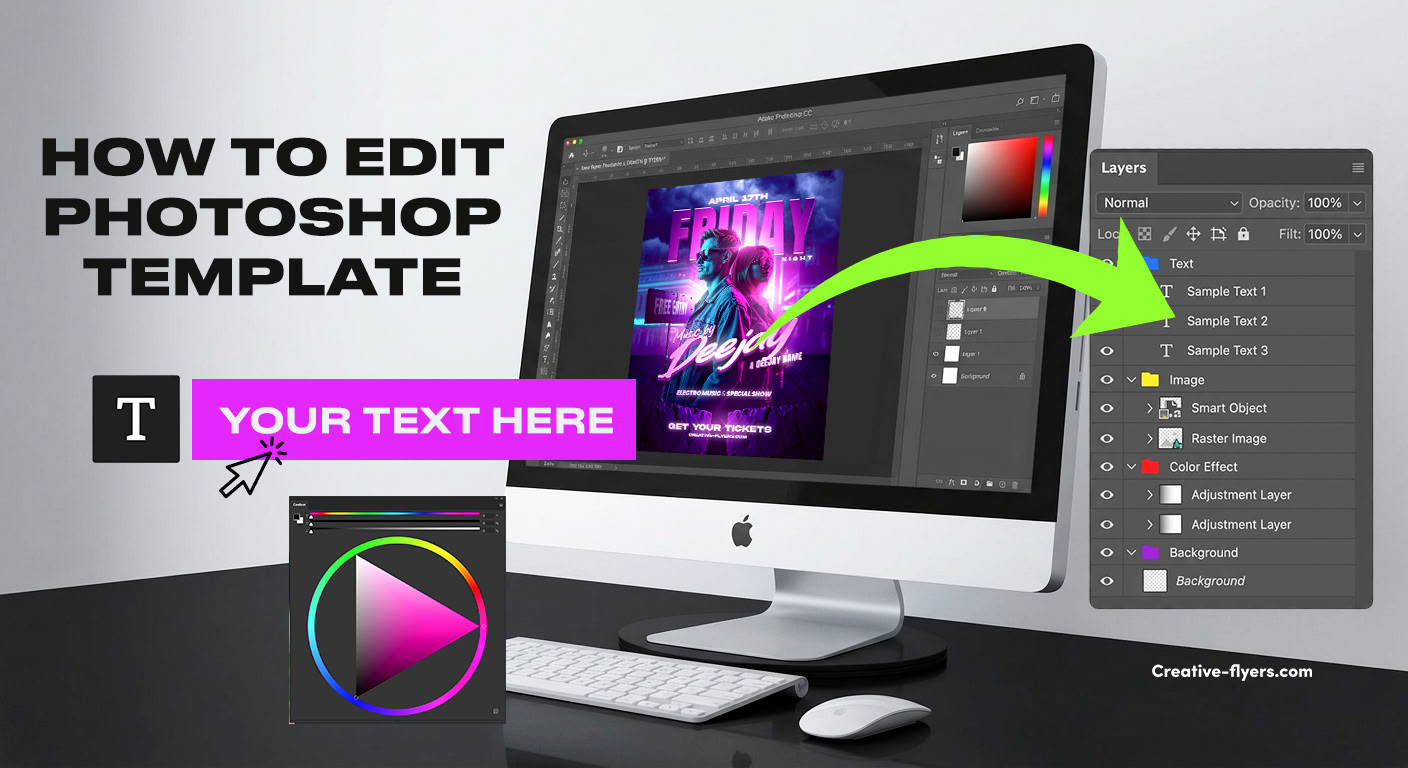
- Replace the text and the photo. Edit the date, venue and line-up with the Type Tool, and swap the picture through its Smart Object. See the step-by-step guide.
- Export a PNG or JPG for social media, or a print-ready PDF. Print settings explained.
Pro tip: publish your New Year’s Eve flyer about three to four weeks before the event, and your Christmas flyer by the end of November, so people can plan before calendars fill up.
Key Dates for Holiday Promotion in 2026
| Date | Occasion |
|---|---|
| Fri, Nov 27 | Black Friday |
| Mon, Nov 30 | Cyber Monday |
| Thu, Dec 24 | Christmas Eve |
| Fri, Dec 25 | Christmas Day |
| Thu, Dec 31 | New Year’s Eve |
Frequently Asked Questions
What size should a Christmas or New Year’s Eve flyer be?
For print, our most common sizes are 4×6 in and 6×8.4 in with 0.25 in bleed, at 300 DPI. For social media, use 1080 x 1350 px for a feed post and 1080 x 1920 px for stories and reels (RGB).
Can I use these flyers for commercial events?
Yes. Our templates can be used for personal and commercial projects, such as club nights, restaurants or client work, but you may not resell or redistribute the original PSD files. See the license terms.
Do I need Photoshop to edit them?
Photoshop gives the best results, but you can also open the PSD files for free in Photopea, in your browser. See how to edit a PSD without Photoshop.
Are the model photo and the fonts included?
Each product page lists what is included. In most templates the model and all design elements are included, and a help file gives you the links to download the free fonts.
When should I start promoting a New Year’s Eve party?
A good rule is to announce it three to four weeks before the event, then remind your audience every week with the same flyer, until the day itself.
Find the perfect holiday flyer
Pick a layered PSD template, add your event details and download your files instantly. Need help? Our support team is one click away.
Christmas flyersNew Year’s Eve flyersClub flyersFree PSD flyersAll templates