
Party Flyer Template
Home/Templates/Flyers/Club/Party Flyer Template

Party Flyer Template

$8

★★★★★

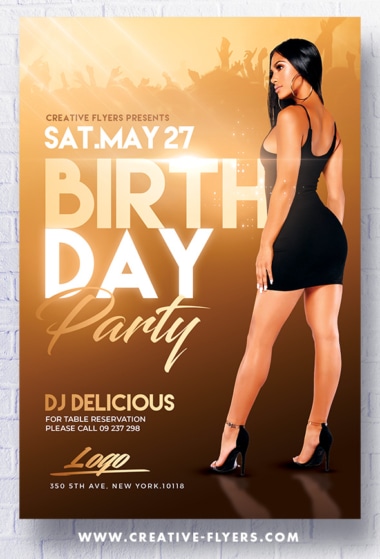
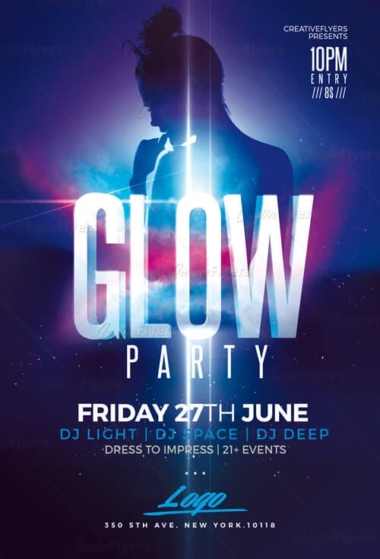
Graphic design for photoshop, get yourself a PSD flyer which will be the perfect invitation for your next club party.

  • Download: Instant
  • Files Type: PSD
  • Layered: Yes
  • DPI: 300
Quantity:

Editable Flyer Template Details

Club Party Flyer Template

Flyer Template to edit with Photoshop

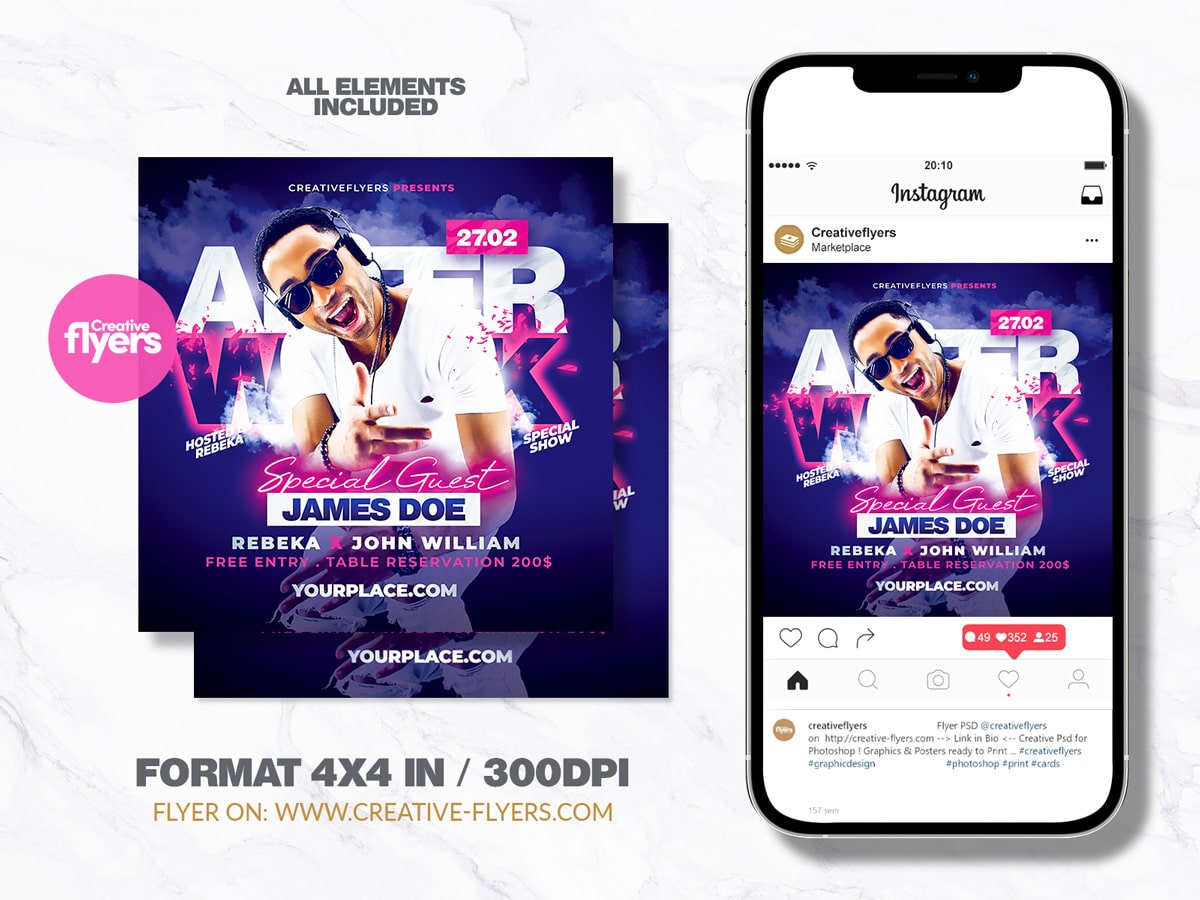
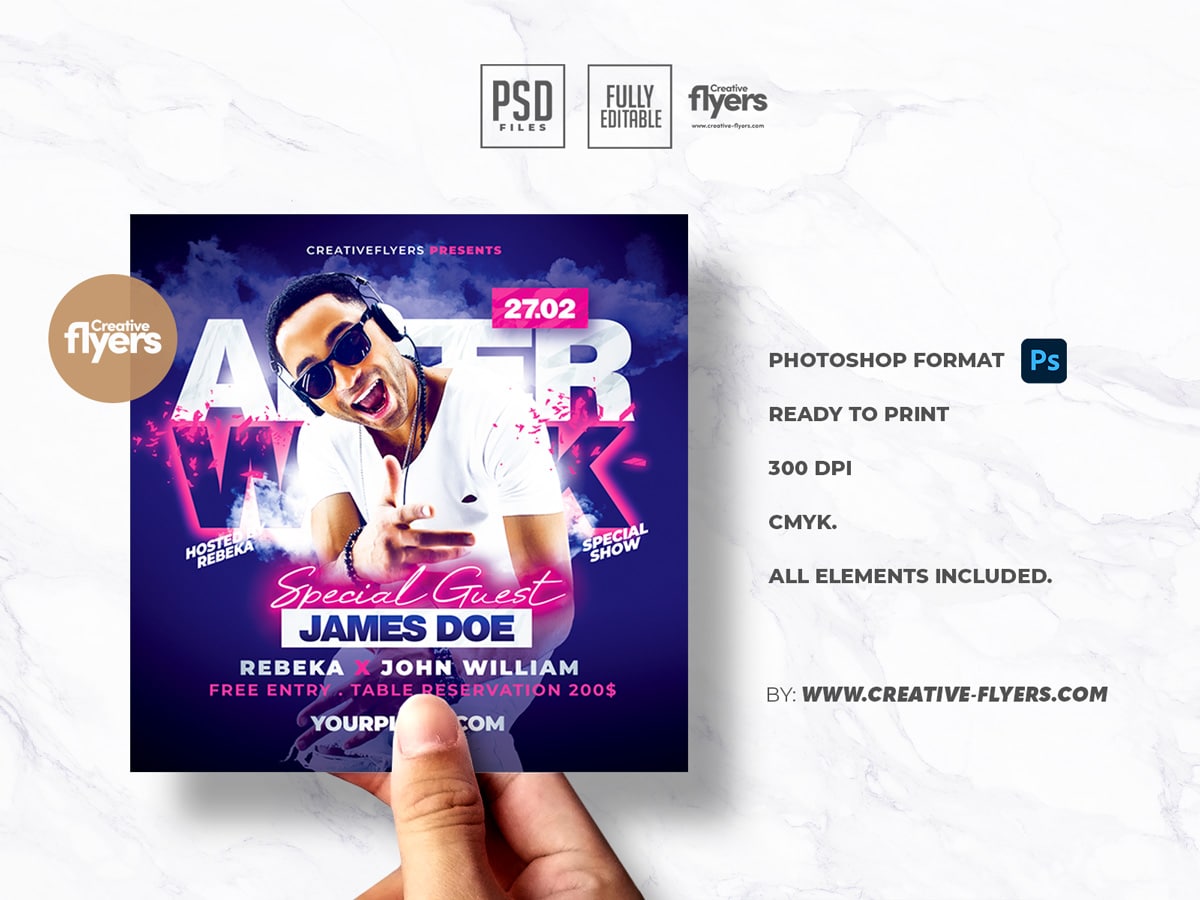
A blue and pink nightclub event party flyer template. You can easily change all texts and colors and all elements are included in the download – increased your creativity with our pre-designed photoshop flyers…

All the elements are modifiable and customizable, the texts can be modified with the Photoshop text tool. A help file included, you will get font download links. You will of course need some basic Photoshop knowledge, if you have any additional questions let me know if there is anything else I can help you with. Enjoy !

Product Specs:

    • PSD format (compatible with Adobe Photoshop).
    • Square Flyer: 4×4 in (10x10cm) + 0.25 bleed.
    • Web and Print Ready, 300 DPI, CMYK.
    • All elements included.
    • All texts are editable with the Photoshop text tool.
    • Free fonts used (font download links in folder).
FAQs

How can I customize this flyer template?

You can customize this flyer template using Adobe Photoshop or Affinity Photo/Designer. All text, colors, and images are fully editable through well-organized layers. Whether you are using the Adobe suite or the Affinity ecosystem, the design is structured for easy and quick adaptation to your specific needs.

What file formats are included?

This product includes a high-fidelity PSD file compatible with both Adobe Software and the Affinity by Canva. While the PSD is the primary format, specific inclusions may vary by design. You will find all technical details and compatibility listed on the product page before purchase.

How to unzip the downloaded flyer?

After downloading, you’ll receive your flyer in a ZIP file. To unzip it:

  • Windows: Right-click the ZIP file and select “Extract All…”
  • Mac: Double-click the ZIP file to extract it automatically
  • Mobile: Use an extraction app such as WinZip or iZip

Once unzipped, you can open the PSD file in Photoshop.

What if I need technical assistance?

If you ever need technical assistance whether it’s with downloading, opening, or customizing your template we’re here to help. Just contact our support team with your order details, and we’ll be happy to assist you quickly, visit our Help & FAQs page.