 Flyer
Gothic Halloween Poster
Template handmade by our designer, not generated by AIEvery template is designed by hand by our designer: layout, typography, colors and textures are all human choices. AI features built into graphics software may assist, but never create the final design. Some of the human models in the preview images may be created with AI, to avoid usage-rights issues.
$7
A haunting mix of elegance and horror crafted through digital artistry. Gothic vibes meet Halloween chills in this dark digital creation…
File type:
Photoshop PSD
Description
Designing a Mysterious and Elegant Halloween Party Poster
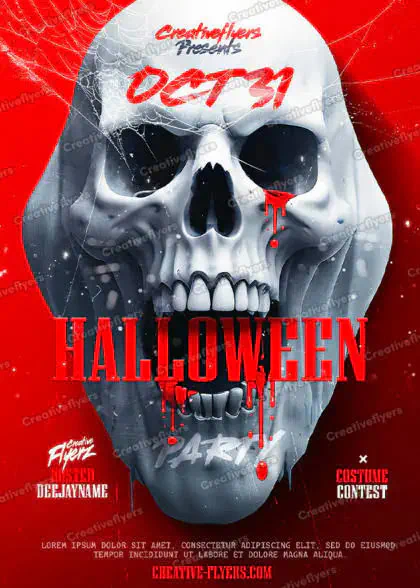
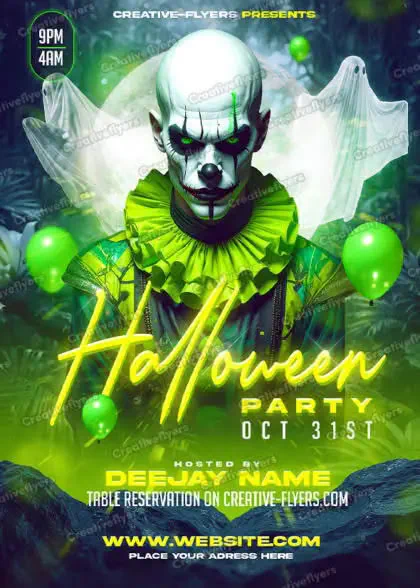
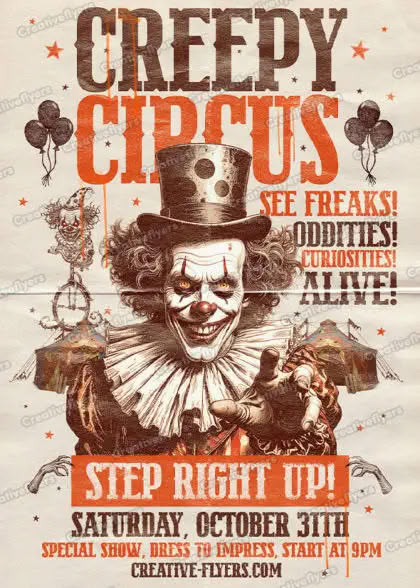
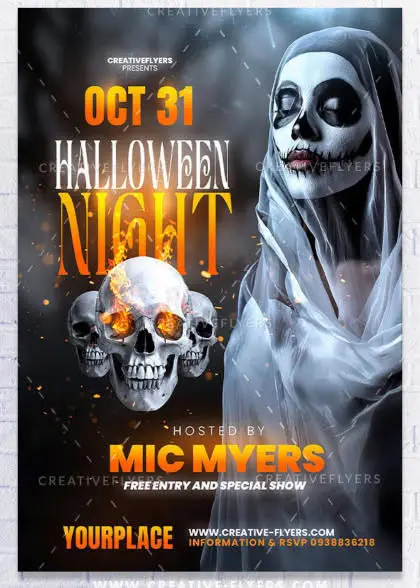
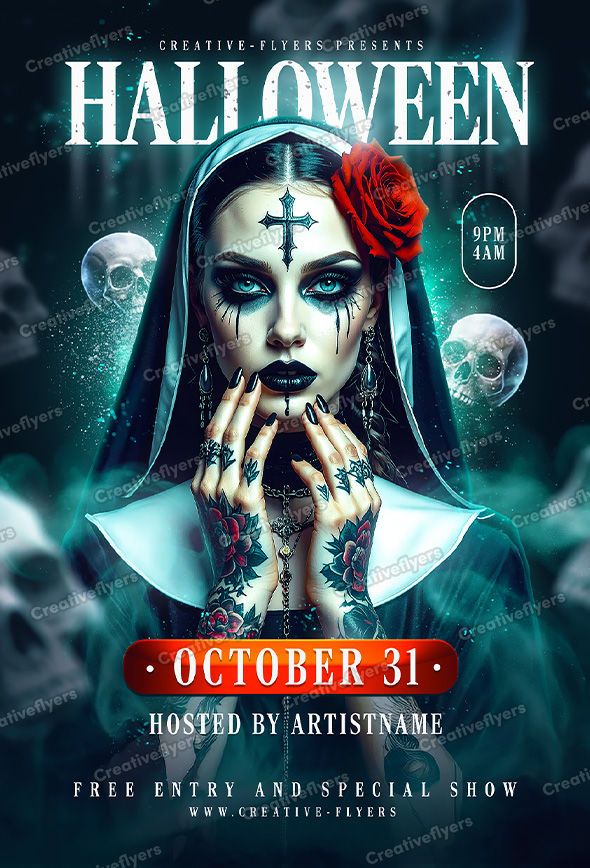
This digital flyer was created to blend elegance and horror through a gothic aesthetic. The nun-inspired figure symbolizes both purity and darkness, enhanced by moody lighting and smoky textures. The red rose provides a striking color contrast, drawing the eye amid cold tones, while the skulls and typography tie the entire Halloween atmosphere together in a haunting yet beautiful way. Ornate Gothic Aesthetic: Rich shadows, dramatic contrast, and Victorian-inspired details created to evoke mystery and intrigue.
Product Specs:
- PSD size: 6×8.4 in (15×21 cm)
- Print-ready & web-optimized, RGB, 300 DPI.
- Model and all elements are included.
- All texts are editable with the text tool.
- Free fonts included (Direct links)
Top Halloween Flyer Templates for Your Spooky Event
Explore more dark and creepy PSD designs to promote your upcoming Halloween party:
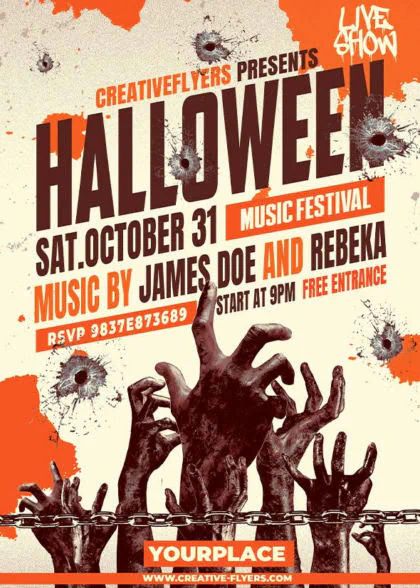
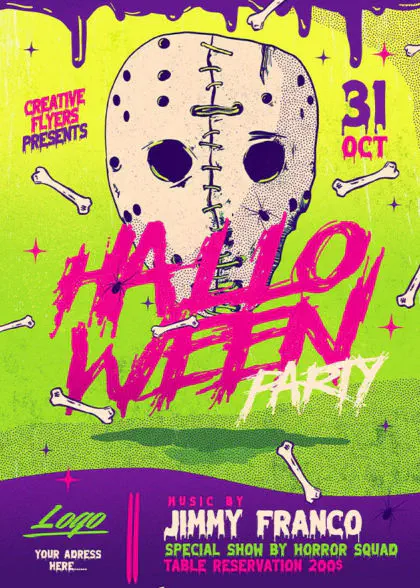
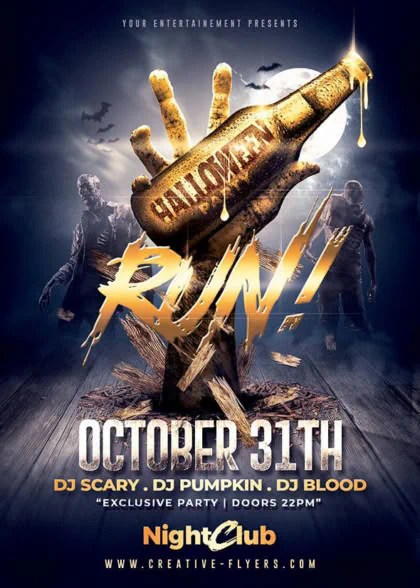
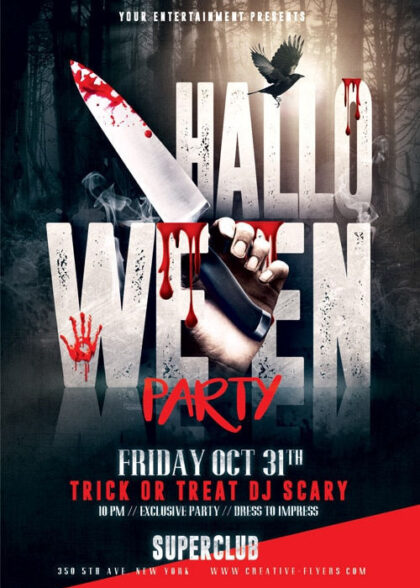
- Photoshop Layout: Get a versatile, fully editable Photoshop Halloween flyer design for dark events.
- Nightclub Party: Promote your night bash using this high-energy Halloween party flyer design.
- Horror Theme: Maximize the fright factor with a scary Halloween party flyer design.
Browse our full collection of Halloween flyer templates to find the perfect PSD layout.
Why Choose This Template?
Customize text, adjust colors, and replace images in just a few clicks to create professional designs that match your brand and vision.
Easy to Customize
Edit your design effortlessly with compatible PSD editing software. Personalize text, colors, images, and other editable elements to suit your needs.
What's Included
All included files and resources are clearly listed so you know exactly what you're getting.
Usage Rights
Use your template with confidence. License details specify permitted uses and any applicable restrictions.
Questions or Need Help?
Please take a moment to review the FAQ below for answers to common questions. If you need further information or have any additional questions, feel free to contact us. Our dedicated support team is available 7 days a week to assist you.
FAQs
What software do I need to edit these flyers?
All our templates are delivered as fully layered PSD files. To customize text, colors and images you need a PSD-compatible editor: Adobe Photoshop, Affinity Photo (see our guide to creating PSD flyers with Affinity) or the free online editor Photopea. For full compatibility and the highest quality final render, we recommend Adobe Photoshop.
Are the fonts and model photos included?
The model photos and all the graphic assets you see in the preview are included in your download. For the fonts, a help file lists direct download links (usually free fonts), so you can recreate the exact look shown in the preview.
How do I edit a PSD flyer template?
Customizing your new flyer template is quick and easy. Follow these steps:
1. Open your file
Launch your editing software and open the downloaded .psd file.
2. Find the Layers panel
Look at the Layers panel on the right side of your screen.
3. Edit the text
Select a text layer, choose the Type Tool (T) and type your own words. Install the fonts from the help file first.
4. Replace the photo
Double-click the Smart Object thumbnail, paste your own image, then save and close the tab.
5. Export your design
Go to File > Export > Export As to save a JPG or PNG for social media, or a print-ready PDF for your printer.
Need more details? Read our step-by-step guide to editing a PSD flyer template.
How do I receive my files after purchase?
Delivery is instant. Once your payment is confirmed, you are redirected to a download page, and you also receive an automated email with a secure download link. Your files are also available in the Downloads section of your Account Dashboard.
Do you offer other templates in this style or category?
Yes, hundreds. Browse all of our PSD flyer templates or jump straight to a category: club and DJ flyers, Christmas flyers, Halloween flyers, Black Friday flyers or invitations.
Can I use these designs for commercial projects?
Yes. Every purchase includes a commercial license designed for freelancers, businesses and creators. You can fully customize the template for your own brand, promotion or event, or for one client's final project.
Each commercial project or client needs its own license. If you use the same template for another client or another commercial project, purchase it again for that project. Read the full license terms.
How do I contact support?
Send us a message through our Customer Support page. Our support team is available 7 days a week. For licensing questions, read the license terms; for everything else, browse our Help Center.
Thanks for choosing us!