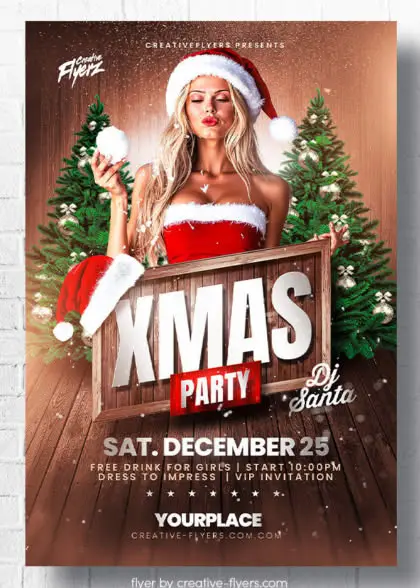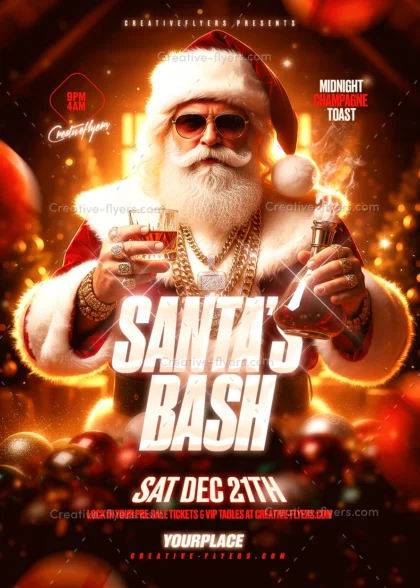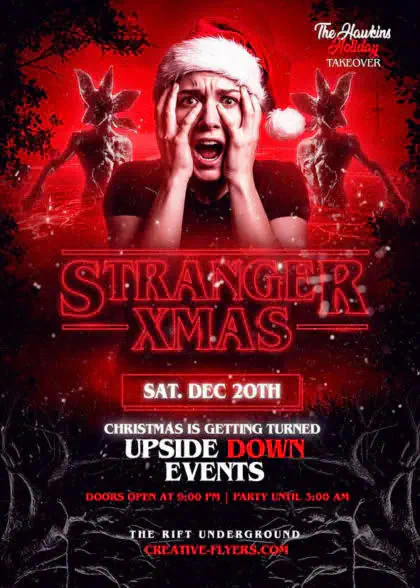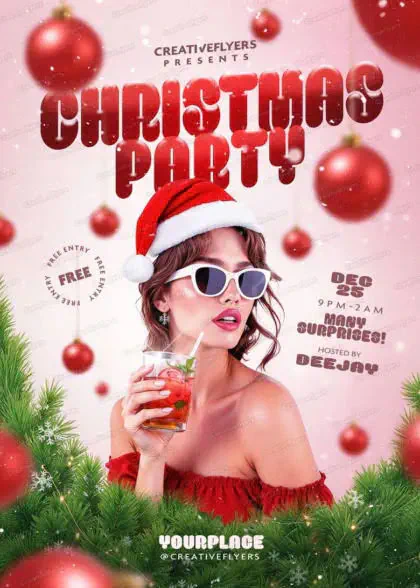

Christmas
Layered PSD
Christmas Party Flyer Design
$9
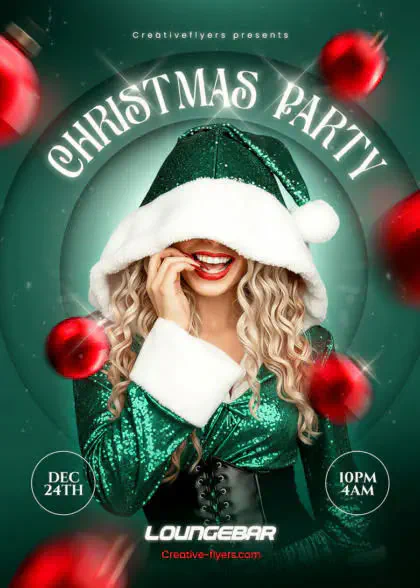
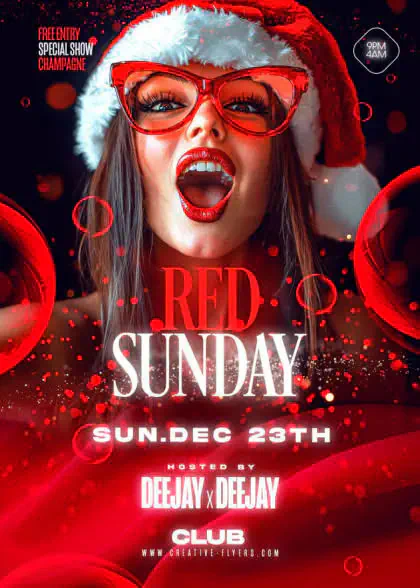
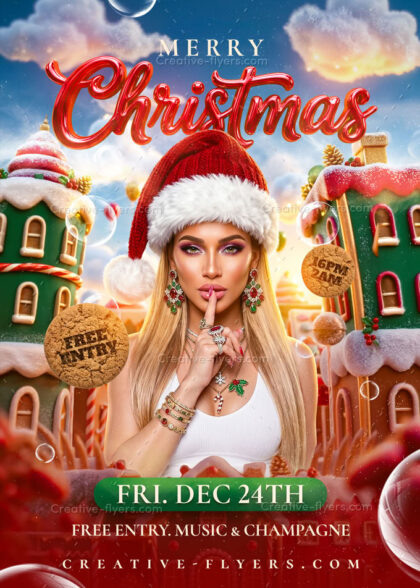
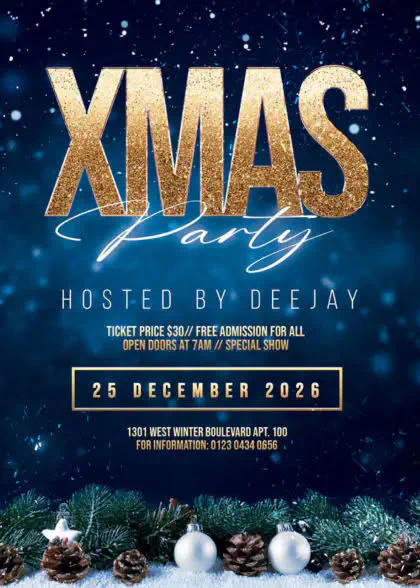
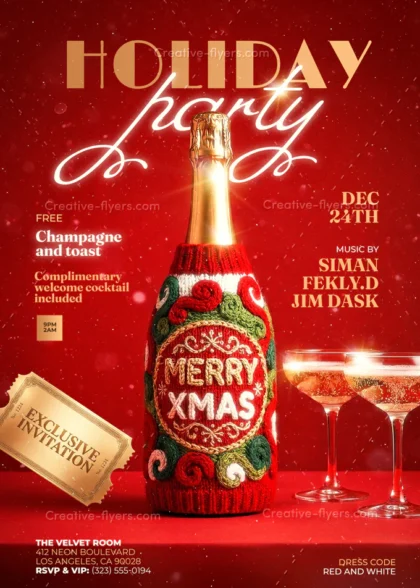
Festive Christmas party flyer with a winter-themed design. with a snowy landscape and golden Christmas ornaments adorned with patterns, focus on the holiday theme. Use well-organized layers to quickly switch between colors, text, and images.
Format
Photoshop PSD
Description
Christmas Party Flyer Design – Ready-to-Customize PSD Design
Festive Christmas party flyer with a winter-themed design. The background features a snowy landscape with bare tree branches and a clear blue sky. In the center, there is a large, golden Christmas ornament adorned with intricate patterns, hanging from a branch. The text ‘CHRISTMAS Party’ is prominently displayed in elegant white and gold script across the middle. The overall layout is balanced and visually appealing, with a focus on the holiday theme.
Product Specs:
- PSD format
- Square Flyer: 5×5 in (12.7×12.7 cm) + 0.25 bleed
- Ready to print, RGB, 300 DPI.
- All elements included.
- All texts are editable with the text tool.
- Free fonts used (font download links in folder)
More ideas: check out our Christmas flyer templates. Planning the holidays? Read our guide to the best Christmas and New Year’s Eve flyers.
Why Choose This Template?
Customize text, adjust colors, and replace images in just a few clicks to create professional designs that match your brand and vision.
Easy to Customize
Edit your design effortlessly with compatible PSD editing software. Personalize text, colors, images, and other editable elements to suit your needs.
What's Included
All included files and resources are clearly listed so you know exactly what you're getting.
Usage Rights
Use your template with confidence. License details specify permitted uses and any applicable restrictions.
Questions or Need Help?
Please take a moment to review the FAQ below for answers to common questions. If you need further information or have any additional questions, feel free to contact us. Our dedicated support team is available 7 days a week to assist you.
FAQs
What software do I need to edit these flyers?
All our templates are delivered as fully layered PSD files. To customize text, colors and images you need a PSD-compatible editor: Adobe Photoshop, Affinity Photo (see our guide to creating PSD flyers with Affinity) or the free online editor Photopea. For full compatibility and the highest quality final render, we recommend Adobe Photoshop.
Are the fonts and model photos included?
The model photos and all the graphic assets you see in the preview are included in your download. For the fonts, a help file lists direct download links (usually free fonts), so you can recreate the exact look shown in the preview.
How do I edit a PSD flyer template?
Customizing your new flyer template is quick and easy. Follow these steps:
1. Open your file
Launch your editing software and open the downloaded .psd file.
2. Find the Layers panel
Look at the Layers panel on the right side of your screen.
3. Edit the text
Select a text layer, choose the Type Tool (T) and type your own words. Install the fonts from the help file first.
4. Replace the photo
Double-click the Smart Object thumbnail, paste your own image, then save and close the tab.
5. Export your design
Go to File > Export > Export As to save a JPG or PNG for social media, or a print-ready PDF for your printer.
Need more details? Read our step-by-step guide to editing a PSD flyer template.
How do I receive my files after purchase?
Delivery is instant. Once your payment is confirmed, you are redirected to a download page, and you also receive an automated email with a secure download link. Your files are also available in the Downloads section of your Account Dashboard.
Do you offer other templates in this style or category?
Yes, hundreds. Browse all of our PSD flyer templates or jump straight to a category: club and DJ flyers, Christmas flyers, Halloween flyers, Black Friday flyers or invitations.
Can I use these designs for commercial projects?
Yes. Every purchase includes a commercial license designed for freelancers, businesses and creators. You can fully customize the template for your own brand, promotion or event, or for one client's final project.
Each commercial project or client needs its own license. If you use the same template for another client or another commercial project, purchase it again for that project. Read the full license terms.
How do I contact support?
Send us a message through our Customer Support page. Our support team is available 7 days a week. For licensing questions, read the license terms; for everything else, browse our Help Center.
Thanks for choosing us!