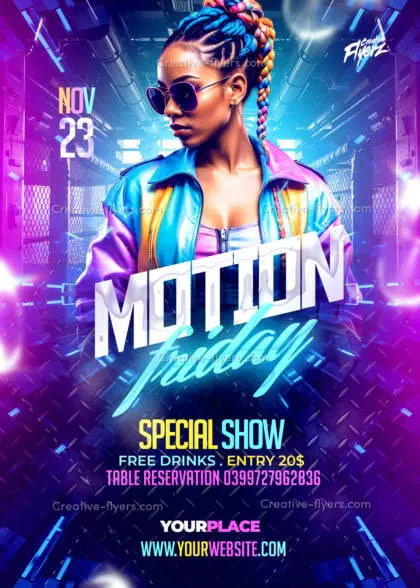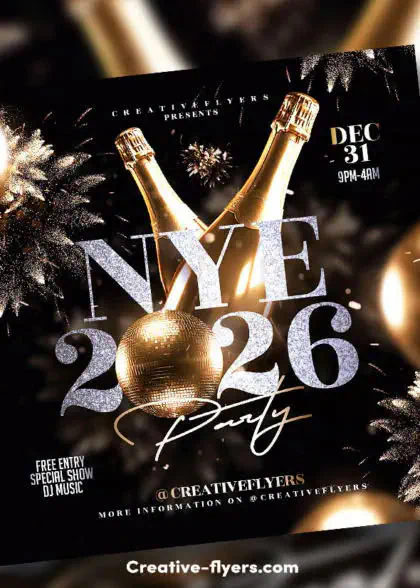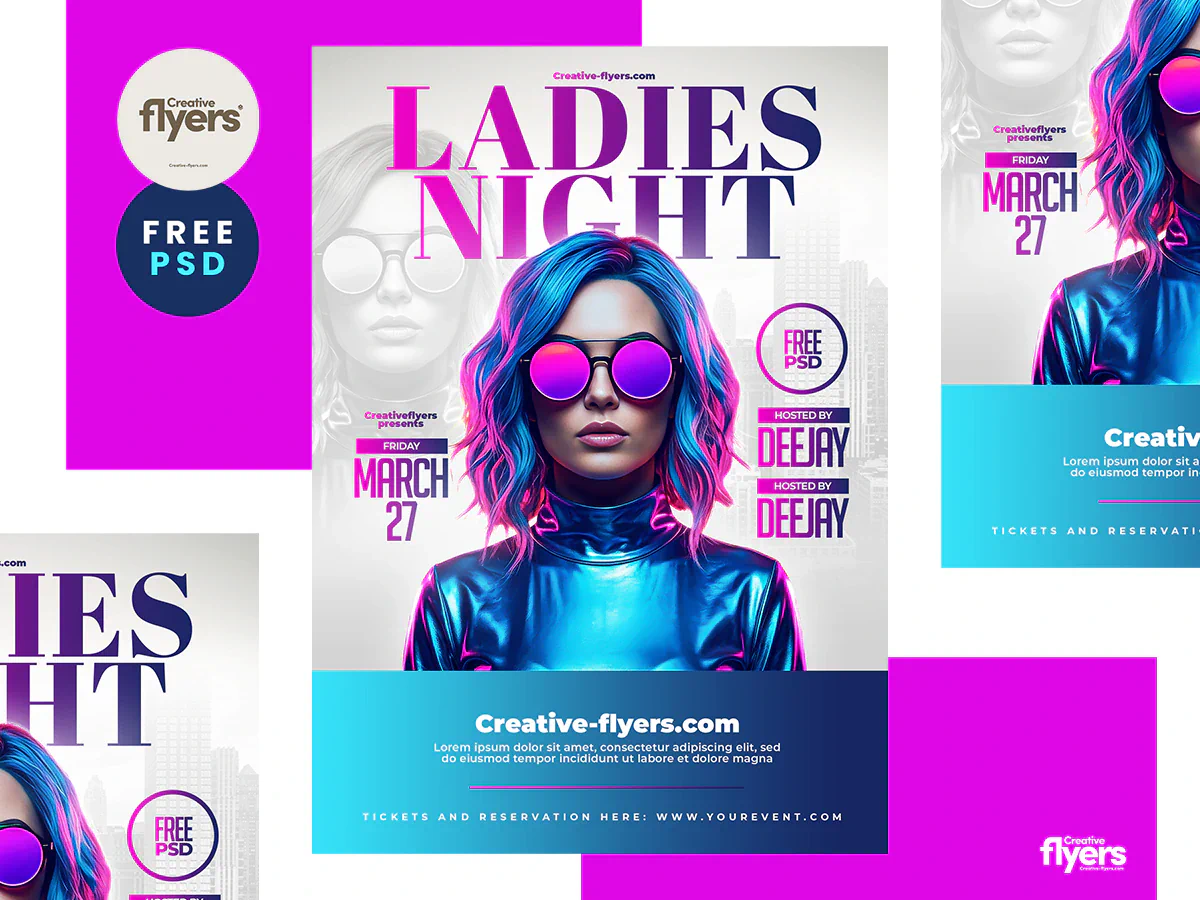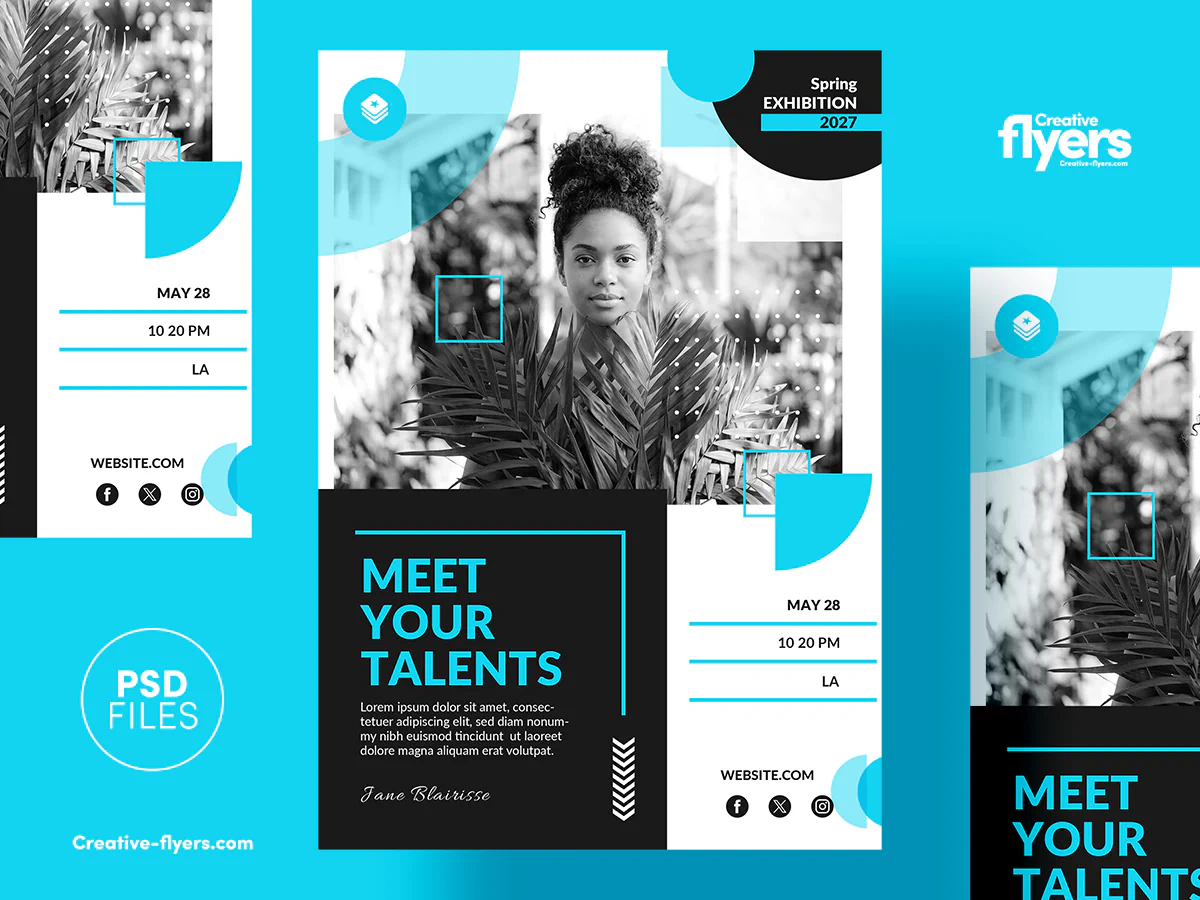
Despite the rise of lighter tools, the “PSD” (Photoshop Document) format remains the undisputed king of the professional creative workflow. It isn’t just a static file; it’s a truly dynamic workspace.
1. More Than Just an Image: A Layer Ecosystem
Unlike JPEG or PNG files that “flatten” your work, a PSD acts as a creative time machine. Its immense flexibility lies in its internal structure:
- Total Reversibility: Modify text, swap colors, or adjust shadows days later without ever restarting from scratch.
- Surgical Organization: Use layer groups, masks, and blending modes to maintain total control over every single pixel of your composition.
2. PSD Compatibility: The Affinity & Canva Revolution
This is a historic shift: Affinity has become free (via Canva). Using the PSD format no longer means being tied to Adobe. The latest Affinity suite offers full PSD compatibility, preserving layers and masks perfectly.
Pro Tip: Practice with professional files by checking out Trending Flyer Templates.
3. Smart Objects: The Secret to Scalability
Smart Objects are the pinnacle of PSD technology. They allow you to resize elements infinitely without losing a single drop of quality and apply filters non-destructively. It is the gold standard for professional mockups and high-end flyers.
4. How to Install Photoshop or Affinity
Option A: Photoshop
- Go to the official Adobe website.
- Download the “Free Trial”.
- Install via Creative Cloud.
Option B: Affinity (Free)
- Visit Affinity Studio.
- Login with Canva.
- Download V2 for free.
“Whether you choose the Adobe giant or the agile Affinity alternative, the PSD format remains your best ally for professional results.”