Description
Customizable Flyer for Hype Events & Club Nights
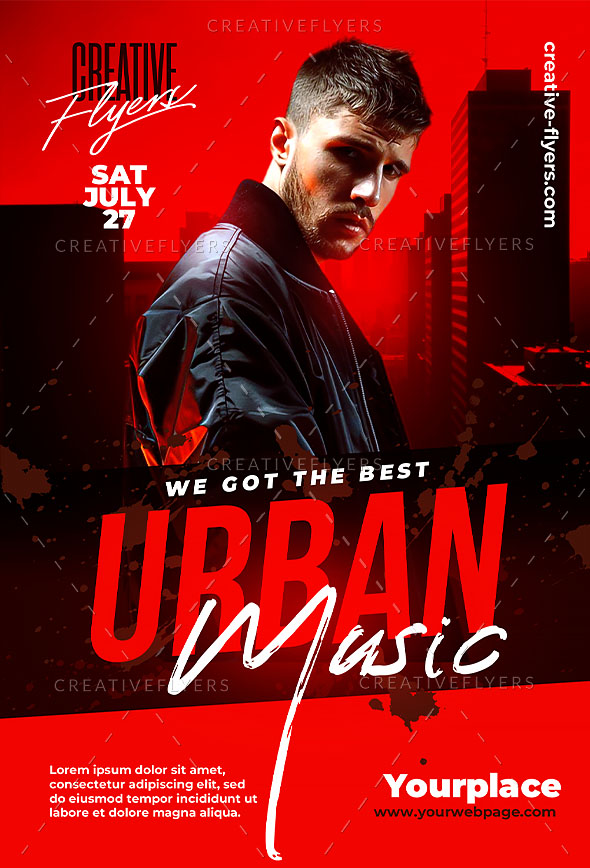
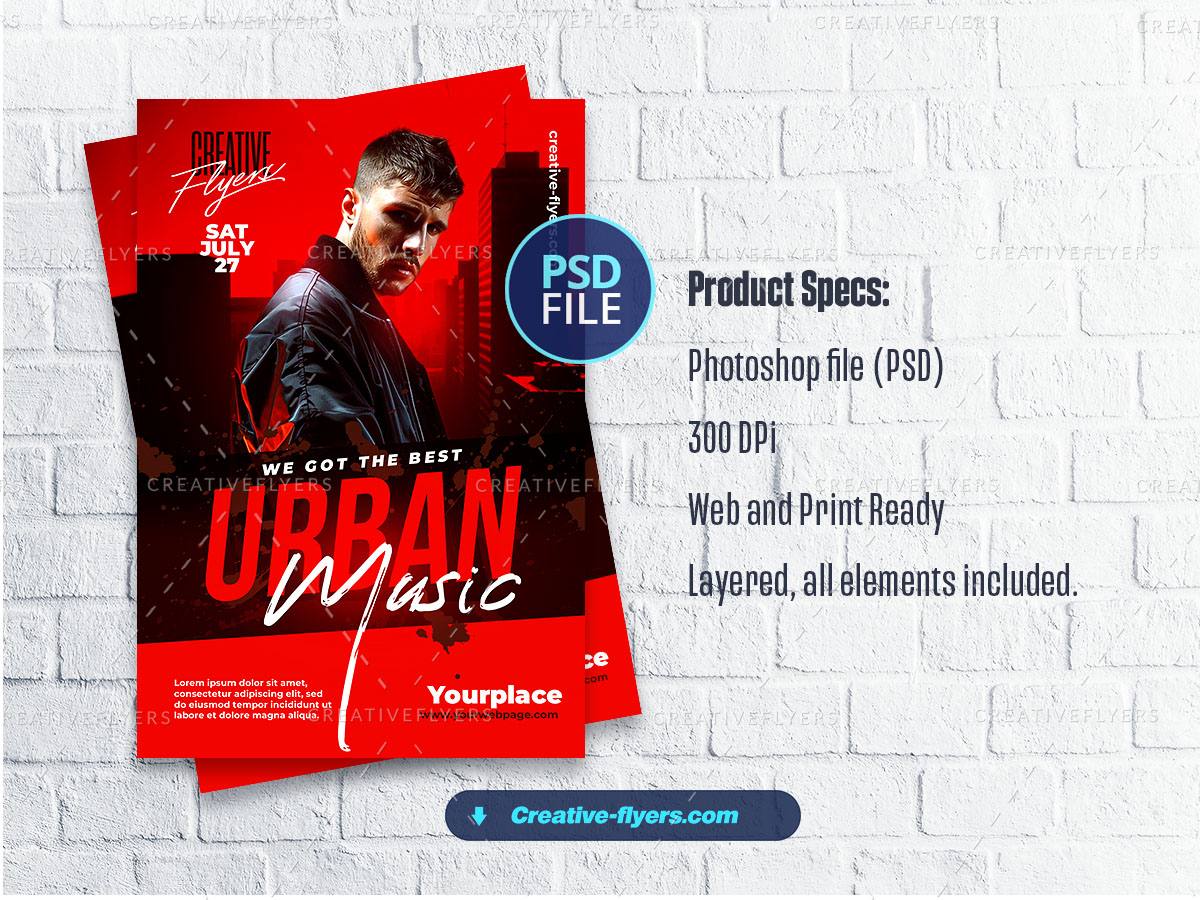
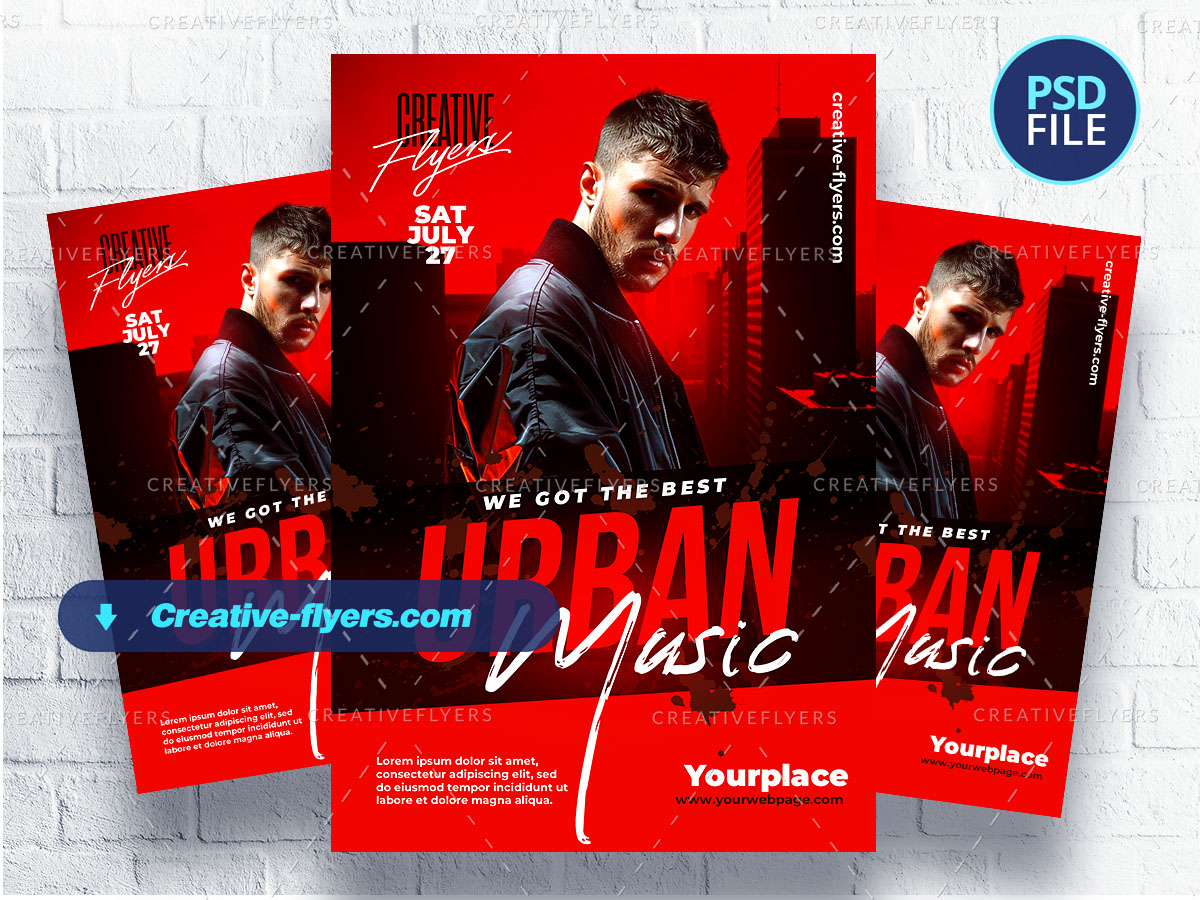
This striking Urban Music flyer is designed for high-energy events, featuring a moody portrait of a stylish male artist against a red city skyline. The bold typography, modern brush script, and dynamic color contrast create an electrifying vibe perfect for club parties, hip-hop events, or DJ nights. Ideal for promoters looking to make a strong visual impact and attract a crowd to their urban music event.
All the elements are modifiable and customizable, the texts can be modified with the Photoshop text tool. A help file included, you will get font download links. You will of course need some basic Photoshop knowledge, if you have any additional questions let me know if there is anything else I can help you with. Enjoy !
Product Specs:
- PSD format (compatible with Adobe Photoshop)
- Flyer dimensions: 4×6 in (10x15cm) + 0.25 bleed
- Web and print ready, Rgb, 300 DPI.
- All elements are included.
- All texts are editable with the Photoshop text tool.
- Free fonts used (font download links in folder)
Frequently Asked Questions
1. How can I customize this flyer template?
2. What file formats are included in the download?
3. How to unzip your downloaded flyer?
PC:
- Double-click on the compressed folder to open it.
- Right click → “Extract All”.
- Tools like WinRAR or 7-Zip may help.
MAC:
- Double-click on the .zip file.
- Locate the extracted folder in Downloads or Desktop.
4. What happens if I have a technical problem?
Support
.faq-item .answer {
display: none;
padding: 10px 0;
}
.faq-item.active .answer {
display: block;
}
.question {
cursor: pointer;
}
document.addEventListener(“DOMContentLoaded”, function () {
document.querySelectorAll(“.faq-item .question”).forEach(function (question) {
question.addEventListener(“click”, function () {
this.parentElement.classList.toggle(“active”);
});
});
});


