Description
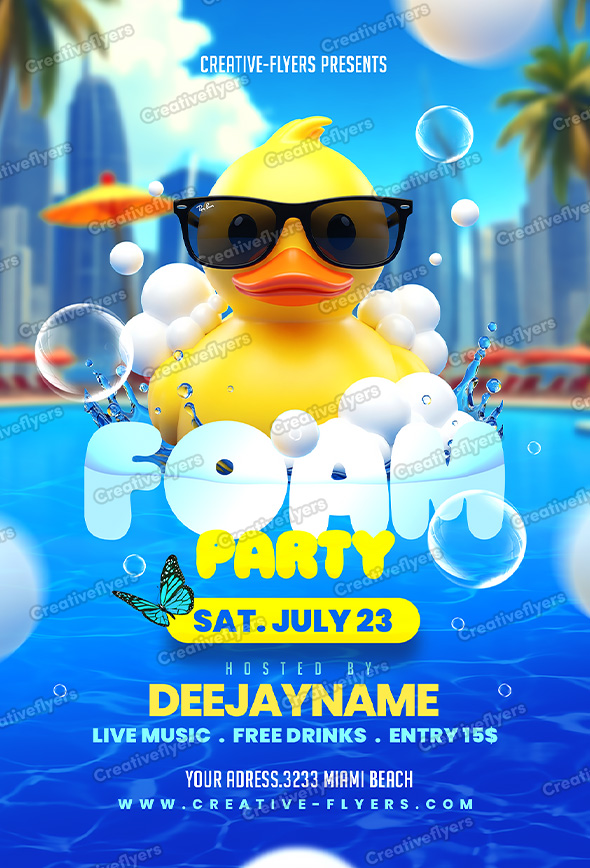
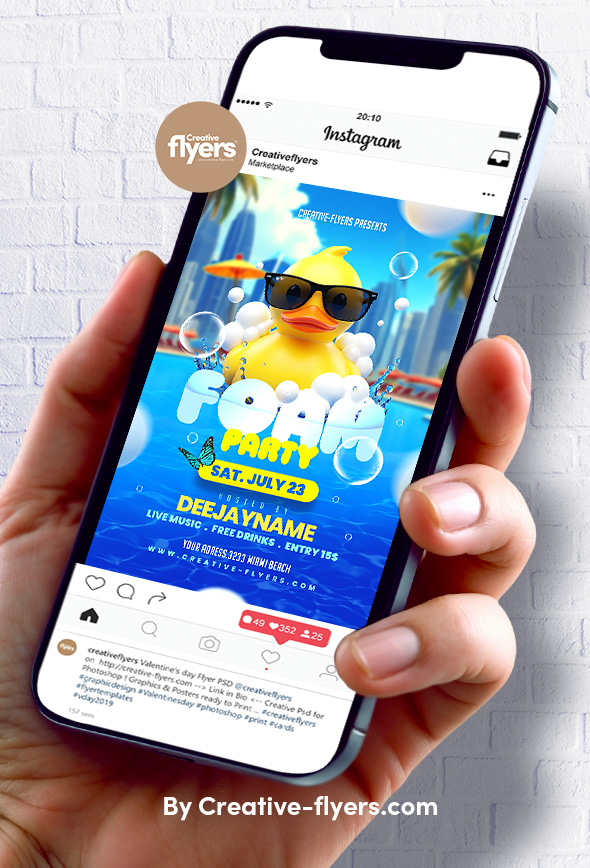
Creative flyer mixing fun, foam, and summer party vibes
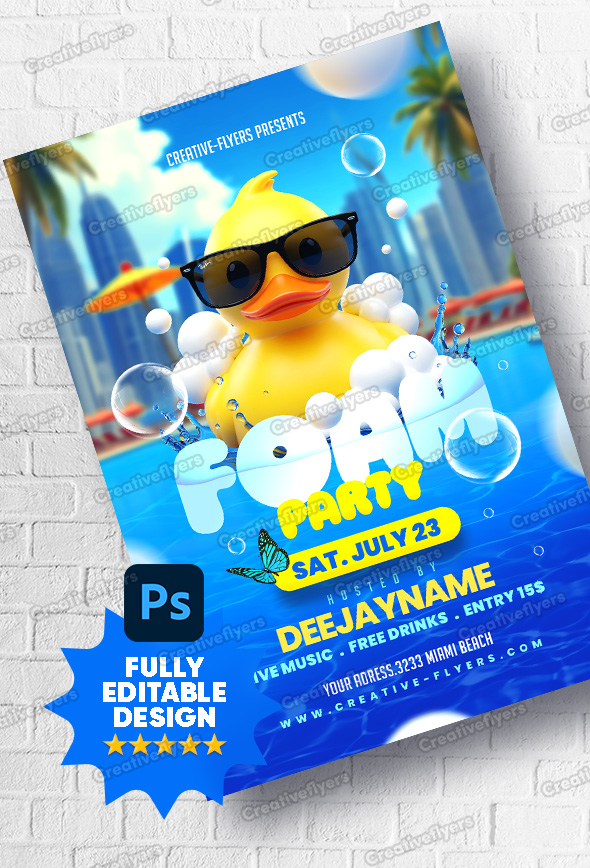
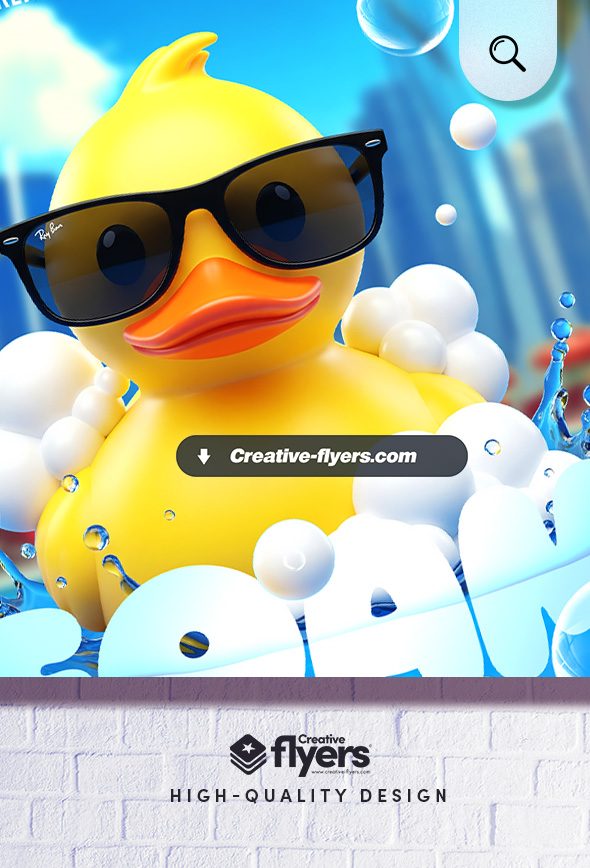
This flyer design captures the playful and vibrant energy of a summer foam party. With a cheerful rubber duck wearing sunglasses, bubbles floating around, and bold typography, the artwork blends humor and modern graphic style. The color palette of blue, yellow, and white enhances the fun atmosphere, making it an irresistible invitation for a summer poolside event.
All the elements are modifiable and customizable, the texts can be modified with the Photoshop text tool. A help file included, you will get font download links. You will of course need some basic Photoshop knowledge, if you have any additional questions let me know if there is anything else I can help you with. Enjoy !
Product Specs:
- PSD format (compatible with Adobe Photoshop)
- Flyer Dimensions: 6×8.5 in (15x21cm) + 0.25 bleed
- Web and print to print, Rgb, 300 DPI.
- Model and all elements are included.
- All texts are editable with the Photoshop text tool.
- Free fonts used (font download links in folder)
FAQs
How can I customize this flyer template?
What file formats are included?
How to unzip the downloaded flyer?
After downloading, you’ll receive your flyer in a ZIP file. To unzip it:
- Windows: Right-click the ZIP file and select “Extract All…”
- Mac: Double-click the ZIP file to extract it automatically
- Mobile: Use an extraction app such as WinZip or iZip
Once unzipped, you can open the PSD file in Photoshop.