
Glow Party Flyer Psd
$7
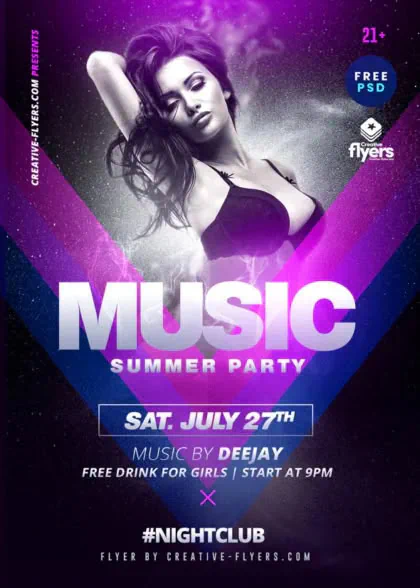
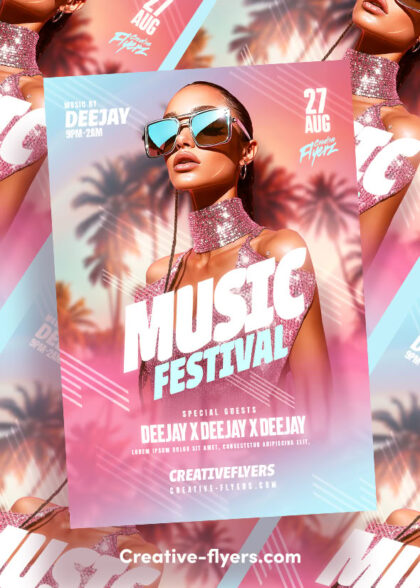
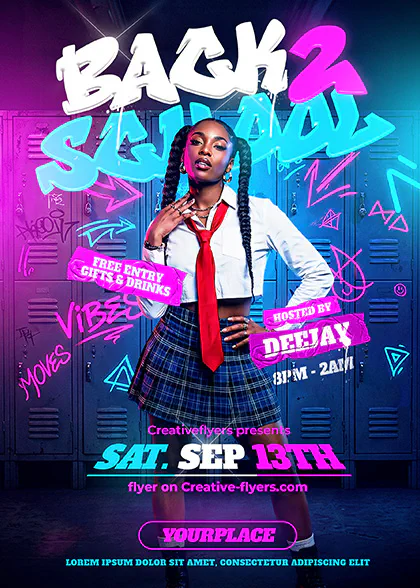
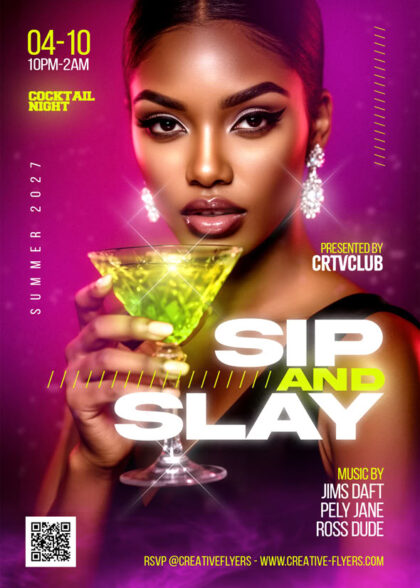
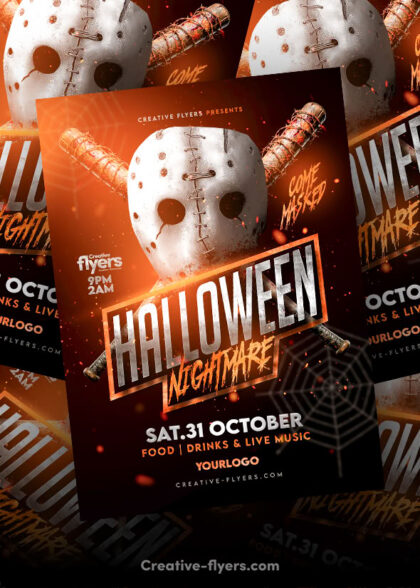
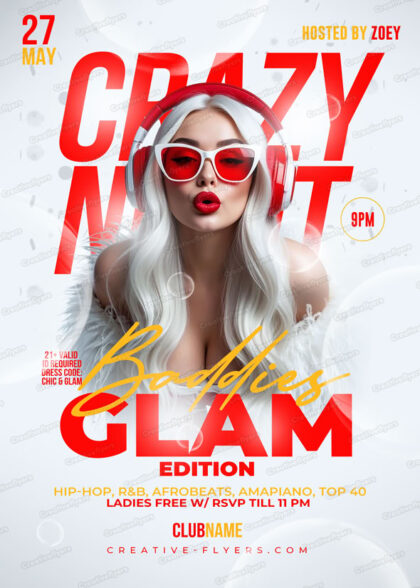
Use this template for a glow flyer to advertise your club party. Adobe Photoshop graphic design that can be edited (basic Photoshop skills required).
Description
Download the Glow Party Flyer Template
A really eye-catching template for graphics! If you liked this style, enjoy downloading this Photoshop PSD template, “Glow Party Flyer,” a great design by Creative Flyers perfect for advertising your club party!
Characteristics:
PSD Document
Flyer Dimensions: DIN 4×6 inches
300 DPI (High Resolution), CMYK, and print-ready
Every component is included and fully editable.
The package download includes a help file.
Reviews
Brandon M.
February 15, 2026
★★★★★
Absolute lifesaver for a last-minute gig flyer. Well-structured smart objects and great typography.
Ashley R.
February 3, 2026
★★★★★
The layout looks professional and striking. Handled the print settings with zero issues.
Megan H.
January 18, 2026
★★★★★
Super dope template! Love how everything is properly grouped and labeled. Instant download.
Have you purchased this template? Log in to leave a review
FAQs
What software do I need to edit these flyers?
All our templates are delivered as fully layered PSD files. To customize text, colors, and images, you will need to have Adobe Photoshop or Affinity Photo installed on your computer. Our files are also compatible with Photopea (online editor). However, we highly recommend using Adobe Photoshop for full compatibility and to ensure the highest quality for your final render.
Are the fonts and stock photos included?
Yes, absolutely! Everything you see in the previews is included in your download. This includes the model photos, all graphic assets, and the fonts. We provide a (Help File) with direct links to download the fonts used in the design so you can easily achieve the exact look shown.
Quick Guide: How to Edit Your PSD Flyer Template
Customizing your new flyer template is quick and easy, follow these simple steps to create your own design!
1. Open Your File
Launch your preferred editing software and open the downloaded .psd file.
2. Navigate the Layers Panel
Look at the Layers panel on the right side of your screen.
How do I receive my files after purchase?
Your delivery is instant. Once your payment is confirmed, you will be redirected to a download page. You will also receive an automated email with a secure download link, and you can access your files anytime via your Customer Dashboard.
Do you offer other templates in this style or category?
Yes! You can browse our full collection of PSD Flyer Templates to discover hundreds of designs for nightclubs, seasonal parties, and special events.
Can I use these designs for commercial projects?
Yes, all purchases include a professional commercial license designed for freelancers, businesses, and creators. This means you can fully customize the template for your own brand, promotion, event, or one client's final project. General Licenses
How do I contact support?
Shoot us a message via our Customer Support. For everything else, including licensing or billing inquiries, please visit our Help Center (FAQ page).
Thanks for choosing us!
Thanks for choosing us!