Festive Holiday Flyer
$9
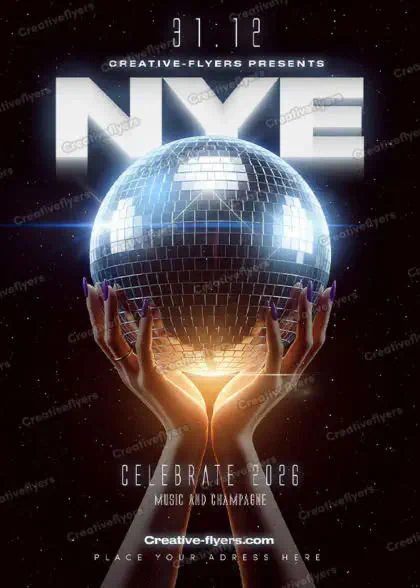
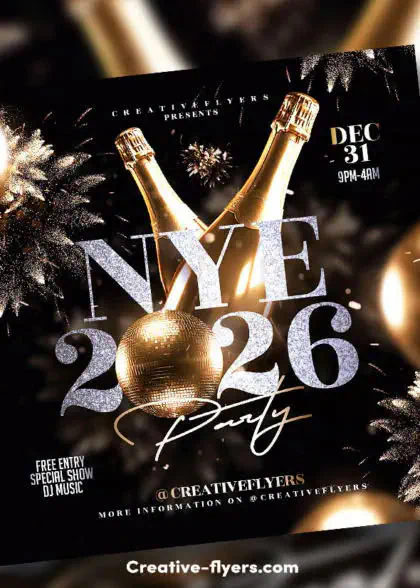
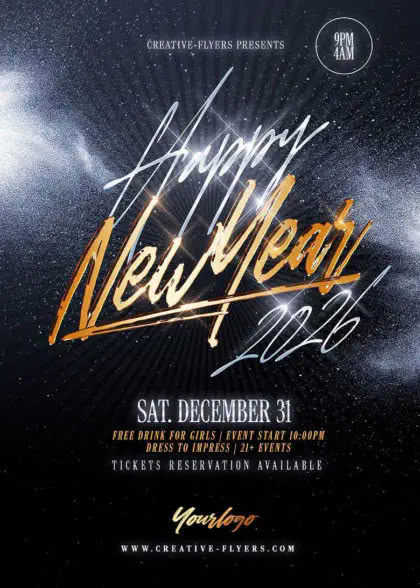
Festive holiday flyer with a clean and elegant layout. New year design with gliterry decorative Christmas ornaments. Suitable flyer for a New Year’s invitation. Use well-organized layers to quickly switch between colors, text, and images.
Description
Elegant Festive holiday flyer to Download
Festive holiday flyer with a clean and elegant layout. The central focus is on the text ‘Happy NEW YEAR’ in large, bold, gold lettering at the top, with ‘NEW YEAR’ in a stylish serif font. Below the text are two champagne glasses, with decorative Christmas ornaments in gold and silver hues, shiny, and glittery finishes. The flyer has a white background. The overall design is sophisticated and celebratory, suitable for a New Year’s event invitation.
All the elements are modifiable and customizable, the texts can be modified with the Photoshop text tool. A help file included, you will get font download links. You will of course need some basic Photoshop knowledge, if you have any additional questions let me know if there is anything else I can help you with. Enjoy !
Product Specs:
PSD format (compatible with Adobe Photoshop).
Flyer dimensions: 4×6 in (10x15cm) + 0.25 bleed.
Web and Print Ready, 300 DPI, CMYK.
All elements included.
All texts are editable with the Photoshop text tool.
Free fonts used (font download links in folder).
Why Choose This Template?
Customize text, adjust colors, and replace images in just a few clicks to create professional designs that match your brand and vision.
Easy to Customize
Edit your design effortlessly with compatible PSD editing software. Personalize text, colors, images, and other editable elements to suit your needs.
What's Included
All included files and resources are clearly listed so you know exactly what you're getting.
Usage Rights
Use your template with confidence. License details specify permitted uses and any applicable restrictions.
Questions or Need Help?
Please take a moment to review the FAQ below for answers to common questions. If you need further information or have any additional questions, feel free to contact us. Our dedicated support team is available 7 days a week to assist you.
FAQs
What software do I need to edit these flyers?
All our templates are delivered as fully layered PSD files. To customize text, colors, and images, you will need to have Adobe Photoshop or Affinity Photo installed on your computer. Our files are also compatible with Photopea (online editor). However, we highly recommend using Adobe Photoshop for full compatibility and to ensure the highest quality for your final render.
Are the fonts and stock photos included?
Yes, absolutely! Everything you see in the previews is included in your download. This includes the model photos, all graphic assets, and the fonts. We provide a (Help File) with direct links to download the fonts used in the design so you can easily achieve the exact look shown.
Quick Guide: How to Edit Your PSD Flyer Template
Customizing your new flyer template is quick and easy, follow these simple steps to create your own design!
1. Open Your File
Launch your preferred editing software and open the downloaded .psd file.
2. Navigate the Layers Panel
Look at the Layers panel on the right side of your screen.
How do I receive my files after purchase?
Your delivery is instant. Once your payment is confirmed, you will be redirected to a download page. You will also receive an automated email with a secure download link, and you can access your files anytime via your Customer Dashboard.
Do you offer other templates in this style or category?
Yes! You can browse our full collection of PSD Flyer Templates to discover hundreds of designs for nightclubs, seasonal parties, and special events.
Can I use these designs for commercial projects?
Yes, all purchases include a professional commercial license designed for freelancers, businesses, and creators. This means you can fully customize the template for your own brand, promotion, event, or one client's final project. General Licenses
How do I contact support?
Shoot us a message via our Customer Support. For everything else, including licensing or billing inquiries, please visit our Help Center (FAQ page).
Thanks for choosing us!
Thanks for choosing us!